Find the best laptops for Ad Fundum

Best Laptops for Ad Fundum

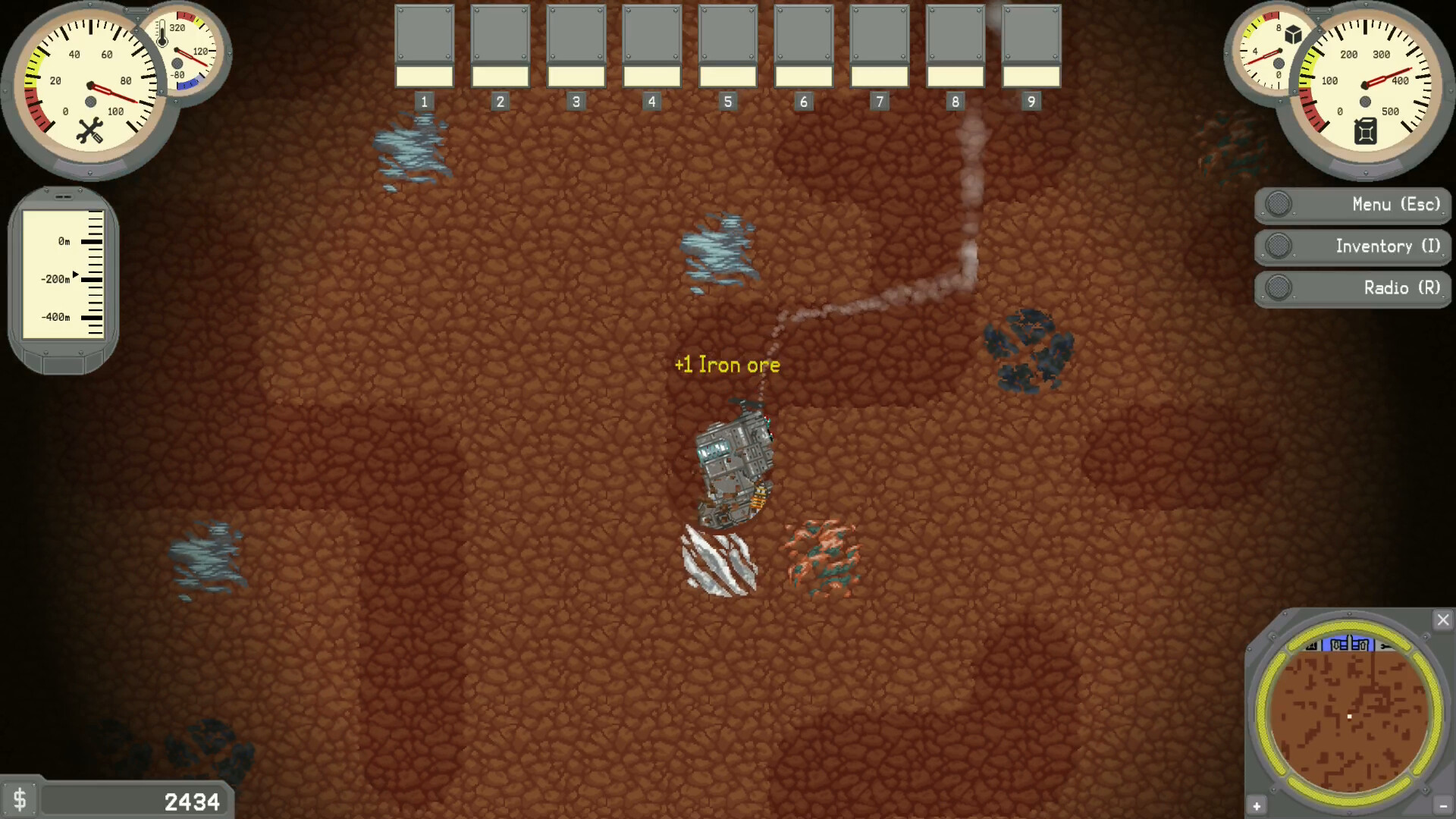
Ad Fundum is an indie game developed and released by by Oldbut Gold launched in 2024. Take control of a giant mech and dive into an exciting underground adventure in a dieselpunk world. Dig deep, collect valuable minerals, upgrade wisely, explore diverse locations, uncover ancient secrets, and try not to explode. Will you save the world or vanish in the depths below?

Laptop Requirements for Ad Fundum

The system requirements are low, but its recommended to have a dedicated graphics processing unit for successfully running Ad Fundum. GeForce 940MX or better mobile GPU is necessary.

Every new laptop meets the RAM requirement of 4gb.

Windows System Requirements

Minimum:
  • Operating System: Windows 10 or newer, 64-bit
  • Processor: Intel Core i3-3225 or AMD A8-7650K
  • Memory (RAM): 4 GB RAM
  • Graphics Processing Unit: NVIDIA GeForce GT 740 or ATI Radeon HD 4890
  • Storage space: 500 MB available space

Recommended Windows Laptops for Ad Fundum

These laptops meet the system requirements stated by the developer. Macbooks with M1 or M2 CPU may require Rosetta 2 to run the game.

16″
HP OmniBook 3 16″
HP OmniBook 3 16″
D5AU3UAABA
Popular2026 modelTrusted brand16 GB RAMThinTouchscreen
$901.49
13″
Microsoft Surface Pro 2-in-1 /Tablet 13″
ZHY-00042
2025 model16 GB RAMThin2-in-1 laptopTouchscreenLightweight
$1,499.99
$1,199.99
13″
Microsoft Surface Pro 2-in-1 /Tablet 13″
ZIB-00018
2025 model16 GB RAM2-in-1 laptopTouchscreen
$1,699.99
13″
Microsoft Surface Pro 2-in-1 /Tablet 13″
ZID-00001
2025 model32 GB RAMThin2-in-1 laptopTouchscreen
$2,479.00
17″
HP OmniBook 3 17″
HP OmniBook 3 17″
OmniBook
Popular2026 modelTrusted brand16 GB RAMThinTouchscreen
$888.99
ACEMAGIC Mini
ACEMAGIC Mini
M5
2026 model16 GB RAMLightweightAMD CPUHigh resolution
$679.99
$611.99
13″
ASUS ROG Flow Z13
ASUS ROG Flow Z13
Runs 80% of new games on recommended 8060S GPU2026 model64 GB RAMThin2-in-1 laptop
$2,689.95
14″
HP OmniBook 14″
HP OmniBook 14″
14-fm
2026 modelTrusted brand16 GB RAMThin2-in-1 laptopTouchscreen
$911.98
16″
Acer Nitro V 16″
Acer Nitro V 16″
Runs 70% of new games on recommended RTX 5060 GPU2026 model32 GB RAMIPS screen
$2,059.95
16″
Acer Nitro V 16″
Acer Nitro V 16″
Runs 70% of new games on recommended RTX 5060 GPU2026 model32 GB RAMIPS screen
$1,919.95
16″
Acer Nitro V 16″
Acer Nitro V 16″
Runs 50% of new games on recommended RTX 5050 GPU2026 model32 GB RAMIPS screen
$1,789.99
16″
ASUS ROG Strix G16
ASUS ROG Strix G16
Runs 70% of new games on recommended RTX 5060 GPU2026 model16 GB RAMi7 CPU
$1,729.62
Filter with Laptop Finder

Mac System Requirements

Minimum:
  • Operating System: Catalina 10.15+
  • Processor: Intel Core i3-3225 or Apple M1
  • Memory (RAM): 4 GB RAM
  • Graphics Processing Unit: NVIDIA GeForce GT 740
  • Storage space: 600 MB available space

Recommended Macbooks for Ad Fundum

These laptops meet the system requirements stated by the developer. Macbooks with M1 or M2 CPU may require Rosetta 2 to run the game.

16″
Apple MacBook Pro 16” (2021)
MK193LL/A
Trusted brand16 GB RAMThinHigh resolution
$2,699.00
16″
Apple MacBook Pro 16” (2021)
Trusted brand16 GB RAMThinHigh resolution
$2,499.00
14″
Apple MacBook Pro 14” (2021)
MKGT3LL/A
Trusted brand16 GB RAMThinHigh resolution
$2,499.00
Filter with Laptop Finder
Ad Fundum technical specifications for laptopAd Fundum on Steam
Updated on October 15, 2026.
These recommendations are based on technical details and requirements. We can't guarantee that the game will run on every laptop.