Find the best laptops for Battle Simulator

Best Laptops for Battle Simulator

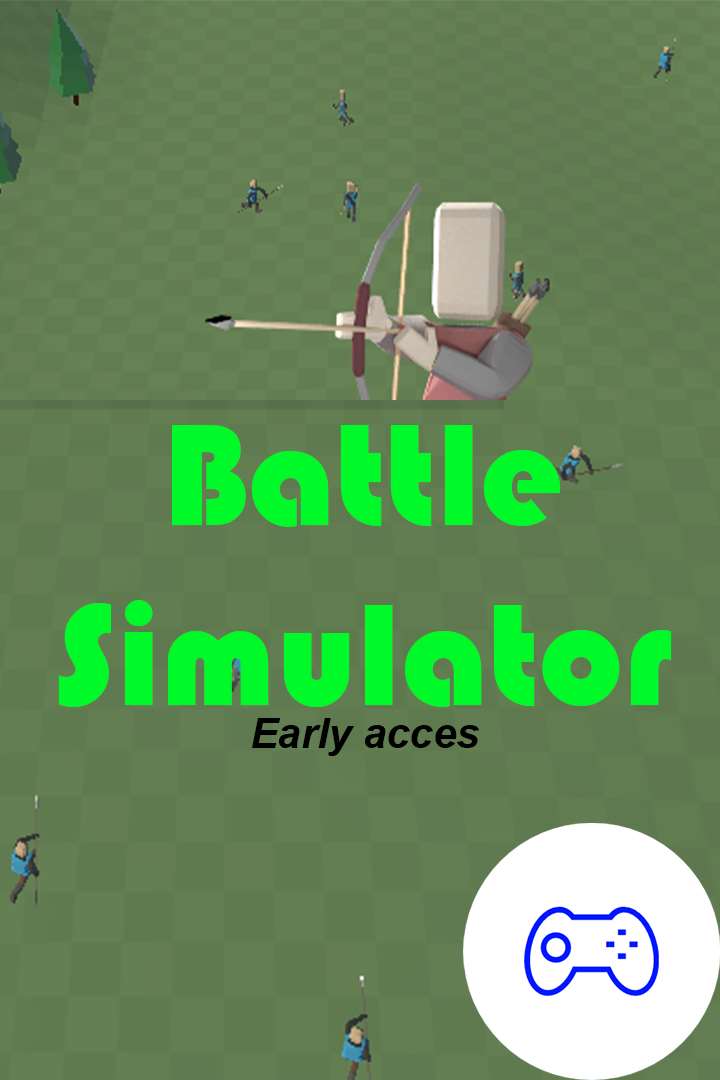
Battle simulator is the new game to play with your friends and family. Build a army to attack your enemy, control your strategy and win the battle! You decide how to attack, if you win the battle you can unlock new levels and islands! We are still busy with the developing of the game, if you have suggestions just email us! It's a ‪simulation‬, ‪fighting‬ game developed and published by by DSA Games.

Laptop Requirements for Battle Simulator

The app is very light to run; every new laptop can run Battle Simulator.

Any modern laptop covers the RAM requirement of 2gb, though 1gb is enough to meet the minimum requirements.

Windows System Requirements

Minimum:
  • Operating System: Windows 10 version 10240.0 or higher, Windows 10 Mobile version 10240.0 or higher
  • Memory (RAM): 1 GB
  • Graphics Processing Unit: 1 GB
Recommended:
  • Operating System: Windows 10 version 10240.0 or higher, Windows 10 Mobile version 10240.0 or higher
  • Memory (RAM): 2 GB
  • Graphics Processing Unit: 2 GB

Best Windows Laptops for Battle Simulator

These laptops meet the recommended system requirements and let you enjoy the game on high graphics settings without lag and stutter.

13″
Microsoft Surface Pro 13″
EP2-66386
Popular2026 model16 GB RAM2-in-1 laptopTouchscreen
$1,499.99
13″
Microsoft Surface Pro 13″
EP2-73301
Popular2026 model16 GB RAM2-in-1 laptopTouchscreen
$1,587.74
13″
Microsoft Surface Pro 13″
EP2-65033
2026 model16 GB RAM2-in-1 laptopTouchscreen120hz screenHigh resolution
$2,099.99
$1,939.99
16″
Lenovo Yoga 7i 2-in-1 16″
Yoga
2026 modelTrusted brand16 GB RAMThin2-in-1 laptopTouchscreen
$1,029.00
16″
Lenovo Yoga 7i 2-in-1 16″
83DL
2025 modelTrusted brand16 GB RAMThin2-in-1 laptopTouchscreen
$1,060.99
$1,003.68
16″
Lenovo Yoga 7i 2-in-1 16″
83TE
2026 modelTrusted brand16 GB RAMThin2-in-1 laptopTouchscreen
$1,459.99
16″
HP OmniBook 3 16″
HP OmniBook 3 16″
D5AU3UAABA
Popular2026 modelTrusted brand16 GB RAMThinTouchscreen
$901.49
17″
HP OmniBook 3 17″
HP OmniBook 3 17″
OmniBook
Popular2026 modelTrusted brand16 GB RAMThinTouchscreen
$888.99
15″
Dell 15
Dell 15
2026 modelTrusted brand16 GB RAMThinTouchscreeni5 CPU
$999.99
ACEMAGIC Mini
ACEMAGIC Mini
M5
2026 model16 GB RAMLightweightAMD CPUHigh resolution
$679.99
$611.99
15″
Dell LD15260-5618BLK-PUS
7XNTG
2026 modelTrusted brand16 GB RAMThin
$719.99
$675.99
15″
Dell Inspiron 15″
Dell Inspiron 15″
2026 modelTrusted brand16 GB RAMTouchscreeni7 CPUSD card reader
$797.90
$730.00
Filter with Laptop Finder

Budget Windows Laptops for Battle Simulator

These cheaper options meet the minimum system requirements stated by the developer. You may need to lower the graphics settings or the in-game resolution to run the game smoothly.

15″
Lenovo 16IRH10 15″
Lenovo 16IRH10 15″
2026 modelTrusted brand8 GB RAMThinSD card readerBudget choice
$799.98
$479.99
15″
Lenovo 16IRH10 15″
Lenovo 16IRH10 15″
2026 modelTrusted brand8 GB RAMThinSD card readerBudget choice
$429.99
15″
Lenovo 16IRH10 15″
Lenovo 16IRH10 15″
2026 modelTrusted brand8 GB RAMThinSD card readerBudget choice
$799.99
$429.99
15″
Dell LDC15250-3883BLK-PUS
Y3VGT
Trusted brand8 GB RAMThinIPS screenBudget choice
$469.97
17″
HP OmniBook 3 17″
HP OmniBook 3 17″
D5SQ3UAABA
2026 modelTrusted brand8 GB RAMThinAMD CPUIPS screen
$516.88
15″
MOONFISH UBOOK-03 15″
2026 model16 GB RAMIPS screenBudget choice
$499.99
Filter with Laptop Finder
Battle Simulator technical specifications for laptop
Updated on January 21, 2022.
These recommendations are based on technical details and requirements. We can't guarantee that the game will run on every laptop.