Find the best laptops for Dead Effect 2 VR

Best Laptops for Dead Effect 2 VR

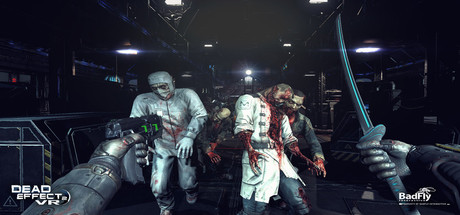
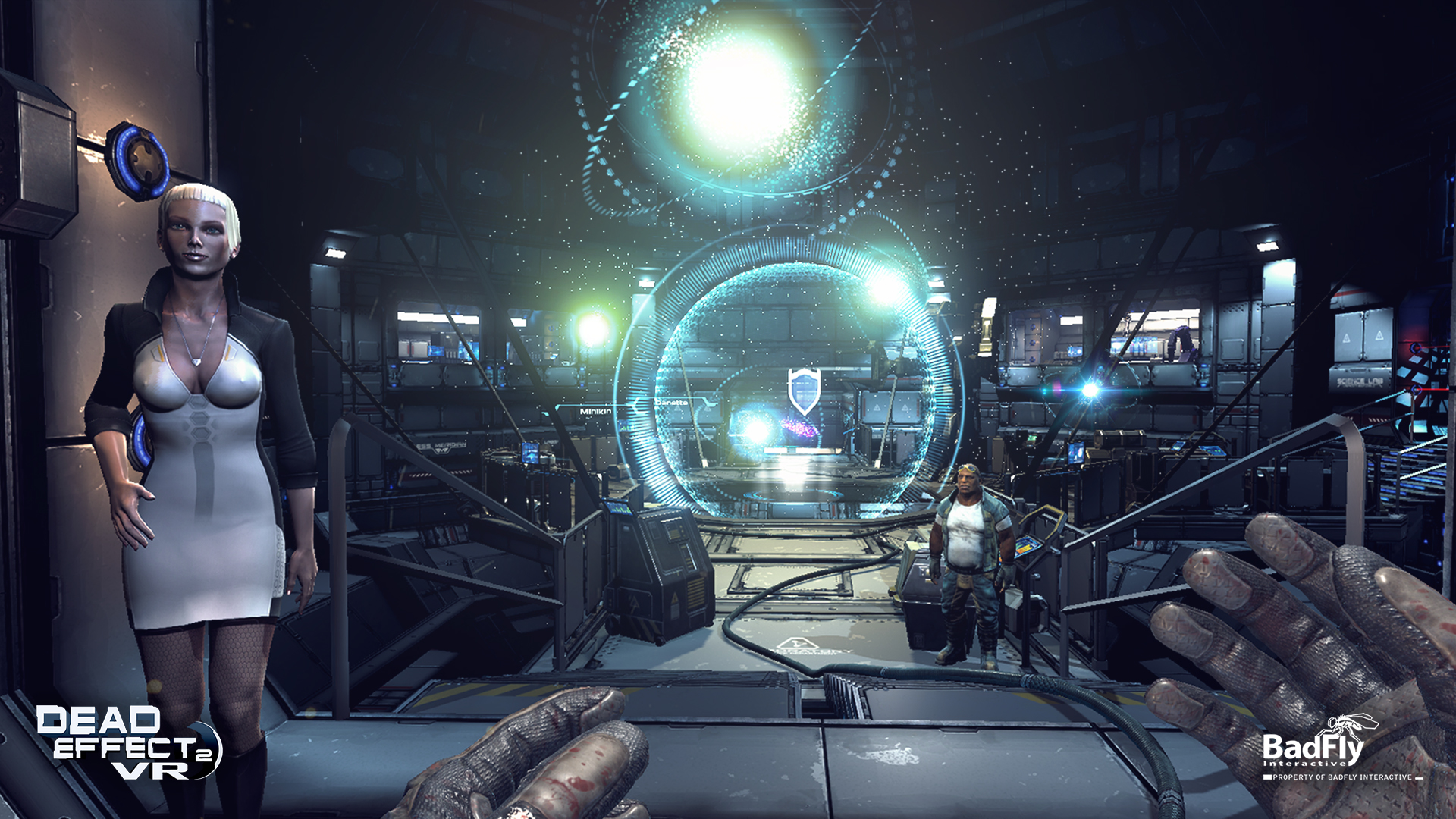
Dead Effect 2 VR is an indie game created by BadFly Interactive, a.s and published by by App Holdings in 2017. Dead Effect 2 is the newest addition to the acclaimed Dead Effect franchise. This action sci-fi shooter is looking to push the boundaries of first-person shooters to new levels with slick graphics, rich narrative and RPG elements.

Laptop Requirements for Dead Effect 2 VR

The system requirements are tough, and a gaming laptop with an up-to-date graphics processing unit is absolutely necessary for successfully playing Dead Effect 2 VR. GeForce RTX 2060 or better mobile GPU is necessary.

8gb RAM requirement is easily covered, but 6gb is enough to meet the minimum requirements.

Windows System Requirements

Minimum:
  • Operating System: Windows 7
  • Processor: Intel i5-4590 equivalent or greater
  • Memory (RAM): 6 GB RAM
  • Graphics Processing Unit: NVIDIA GTX 970 / AMD equivalent or greater
  • Storage space: 13 GB available space
Recommended:
  • Operating System: Windows 10
  • Processor: Intel i7-4770 equivalent or greater
  • Memory (RAM): 8 GB RAM
  • Graphics Processing Unit: NVIDIA GTX 980 / AMD equivalent or greater
  • Storage space: 13 GB available space

Best Windows Laptops for Dead Effect 2 VR

These laptops meet the recommended system requirements and let you enjoy the game on high graphics settings without lag and stutter.


13″
ASUS ROG Flow Z13
ASUS ROG Flow Z13
Runs 80% of new games on recommended 8060S GPU2026 model64 GB RAMThin2-in-1 laptop
$2,689.95
16″
Acer Nitro V 16″
Acer Nitro V 16″
Runs 50% of new games on recommended RTX 5050 GPU2026 model32 GB RAMIPS screen
$1,789.99
16″
Acer Nitro V 16″
Acer Nitro V 16″
Runs 80% of new games on recommended RTX 5060 GPU2026 model32 GB RAMIPS screen
$2,059.95
16″
Acer Nitro V 16″
Acer Nitro V 16″
Runs 80% of new games on recommended RTX 5060 GPU2026 model32 GB RAMIPS screen
$1,919.95
16″
ASUS ROG Strix G16
ASUS ROG Strix G16
Runs 80% of new games on recommended RTX 5060 GPU2026 model16 GB RAMi7 CPU
$1,729.62
16″
ASUS ROG Strix G16
ASUS ROG Strix G16
G615JMR-AS74
Runs 80% of new games on recommended RTX 5060 GPU2025 model16 GB RAMi7 CPU
$1,619.85
15″
MSI Cyborg 15
MSI Cyborg 15
B2295
Runs 80% of new games on recommended RTX 5060 GPU16 GB RAM
$1,199.00
17″
MSI Cyborg 17
MSI Cyborg 17
B2074
Runs 80% of new games on recommended RTX 5060 GPU2025 model16 GB RAM
$1,556.00
15″
HP Victus 15″
HP Victus 15″
15-FA1093DX
Runs 80% of new games on minimum RTX 3050 GPU2025 model16 GB RAMi5 CPUIPS screen
$899.99
15″
Lenovo LOQ 15″
Lenovo LOQ 15″
Runs 60% of new games on recommended RTX 4050 GPU2026 model16 GB RAMAMD CPUIPS screen
$1,034.50
16″
Gigabyte GAMING A16 CTHI3US894SH
GAMING A16 CTHI3US894SH
Runs 50% of new games on recommended RTX 5050 GPU2025 model16 GB RAMi7 CPU
$1,199.00
15″
Lenovo LOQ 15″
Lenovo LOQ 15″
Runs 60% of new games on recommended RTX 4050 GPU2025 model32 GB RAMAMD CPUIPS screen
$1,399.99
Filter with Laptop Finder

Budget Windows Laptops for Dead Effect 2 VR

These cheaper options meet the minimum system requirements stated by the developer. You may need to lower the graphics settings or the in-game resolution to run the game smoothly.

15″
HP Victus 15
HP Victus 15
Runs 80% of new games on minimum RTX 3050 GPU2026 model8 GB RAMAMD CPUIPS screen
$869.00
15″
HP Victus 15″
HP Victus 15″
Gaming 15
Runs 80% of new games on minimum RTX 3050 GPU2026 model8 GB RAMi5 CPUIPS screen
$794.99
15″
HP Victus 15″
HP Victus 15″
HP
Runs 60% of new games on minimum RX 6550M GPU2026 model8 GB RAMAMD CPU
$818.98
15″
Dell G3 Gaming 15″
Dell G3 Gaming 15″
I3590-5988BLK-PUS
Runs 80% of new games on minimum GTX 1660 Ti GPU8 GB RAMi5 CPU
$529.21
15″
Lenovo IdeaPad L340 15
IdeaPad L340
Runs 80% of new games on minimum RTX 4060 GPU8 GB RAMAMD CPUIPS screen
$786.00
15″
ASUS ROG Strix G 15″
GL531GU-WB53
Runs 80% of new games on minimum GTX 1660 Ti GPU8 GB RAM120hz screeni5 CPUIPS screen
$837.28
Filter with Laptop Finder
These recommendations are based on technical details and requirements. We can't guarantee that the game will run on every laptop.