
Best Laptops for Feed the Cups
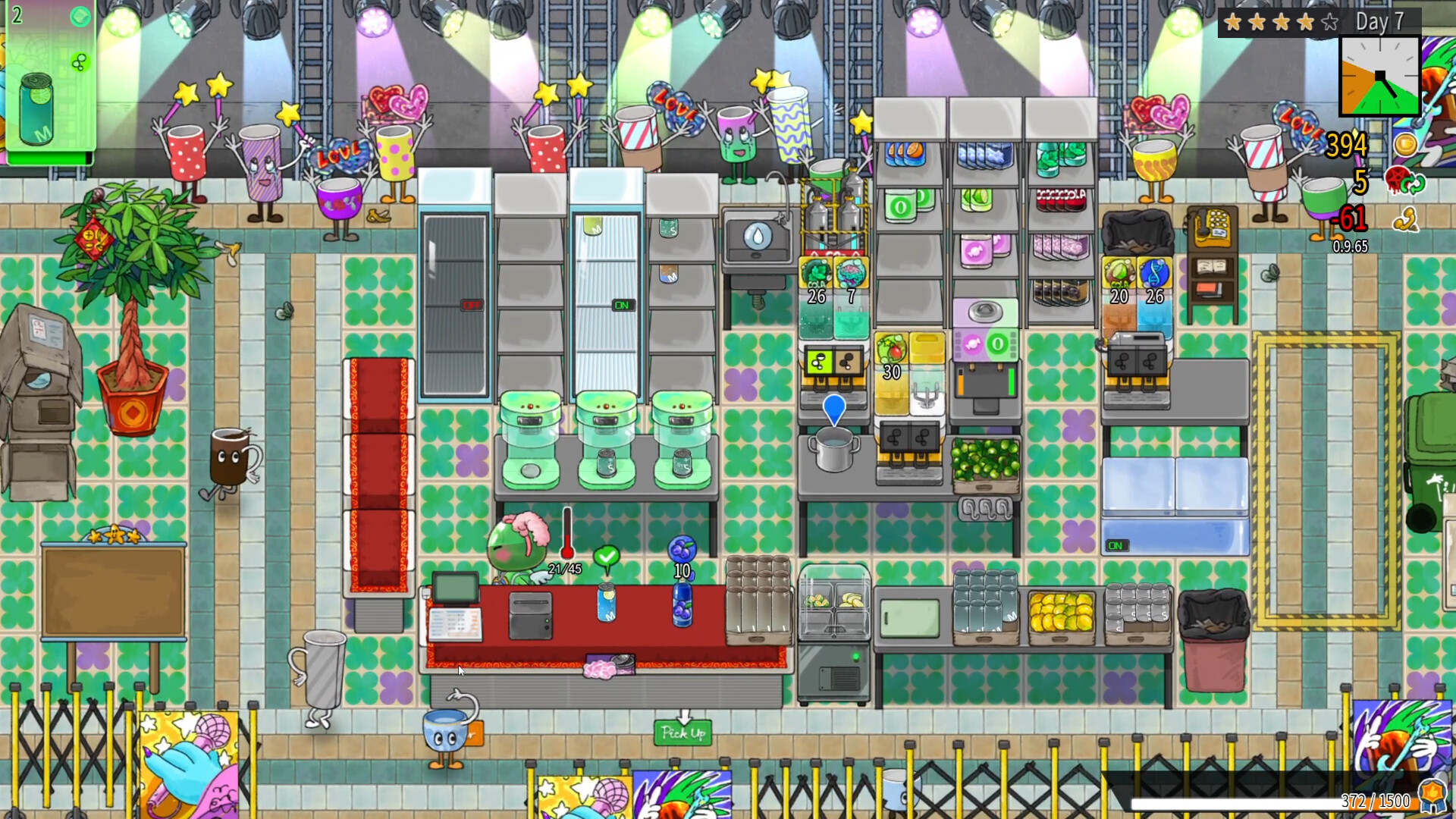
Feed the Cups is a Roguelite multiplayer online cooperative game. It's an indie simulation game built by Vambear Games and published by by IndieArk released on October 15, 2026. Run a Drink Shop, stocking up, preparing ingredients, taking orders, crafting drinks, cleaning up, and checking equipment. Join your friends together!
Laptop Requirements for Feed the Cups
The system requirements are undemanding; virtually any new laptop will work for playing Feed the Cups.
All recent laptop covers the RAM requirement of 4gb.
Windows System Requirements
Minimum:
- Operating System: Windows 7+
- Processor: 2 Ghz
- Memory (RAM): 4 GB RAM
- Graphics Processing Unit: 128MB, OpenGL 3+
- Storage space: 1 GB available space
Recommended Windows Laptops for Feed the Cups
These laptops meet the system requirements stated by the developer. Macbooks with M1 or M2 CPU may require Rosetta 2 to run the game.
13″
Microsoft Surface Pro 13″
EP2-66386
Popular2026 model16 GB RAM2-in-1 laptopTouchscreen
13″
Microsoft Surface Pro 13″
EP2-65033
Popular2026 model16 GB RAM2-in-1 laptopTouchscreen120hz screen
13″
Microsoft Surface Pro 13″
EP2-65023
2026 model16 GB RAM2-in-1 laptopTouchscreen
16″
ASUS ROG Strix G16
G615JMR-AS74
Runs 80% of new games on recommendedPopular RTX 5060 GPU2025 model16 GB RAMi7 CPU
16″
ASUS TUF 16″
FA608PM
Runs 80% of new games on recommendedPopular RTX 5060 GPU2026 model16 GB RAMAMD CPU
16″
Lenovo Yoga 7i 2-in-1 16″
83DL
2025 modelTrusted brand16 GB RAMThin2-in-1 laptopTouchscreen
16″
Lenovo Yoga 7i 2-in-1 16″
83DL
2025 modelTrusted brand16 GB RAMThin2-in-1 laptopTouchscreen
16″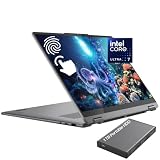
Lenovo Yoga 7i 2-in-1 16″
83JT
2026 modelTrusted brand128 GB RAMThin2-in-1 laptopTouchscreen
13″
ASUS ROG Flow Z13
GZ302EA-DS96
2026 model32 GB RAMThin2-in-1 laptopTouchscreenAMD CPU
12″
Jumper 2-in-1 12″
EZpad V12Pro
2026 model12 GB RAMThin2-in-1 laptopTouchscreenLightweight
16″
Acer Aspire 16
NX.JMYAA.001
2026 model16 GB RAMThin120hz screenSD card reader
16″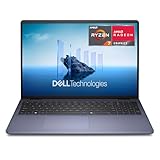
Dell LDC16256-A049IND-PUS
MXP9D
2025 modelTrusted brand16 GB RAMThinAMD CPUIPS screen
Mac System Requirements
Minimum:
- Operating System: macOS
- Processor: Apple M1
- Memory (RAM): 4 GB RAM
- Storage space: 1 GB available space
Recommended Macbooks for Feed the Cups
These laptops meet the system requirements stated by the developer. Macbooks with M1 or M2 CPU may require Rosetta 2 to run the game.
13″
Apple MacBook Air 13″
MDH94LL/A
Popular2026 modelTrusted brand24 GB RAMThinLightweight
13″
Apple MacBook Air 13″
2026 modelTrusted brand24 GB RAM
13″
Apple MacBook Air 13″
2026 modelTrusted brand16 GB RAM

These recommendations are based on technical details and requirements. We can't guarantee that the game will run on every laptop.
Check Other Games
Updated November 25, 2026