Find the best laptops for Kubifaktorium

Best Laptops for Kubifaktorium

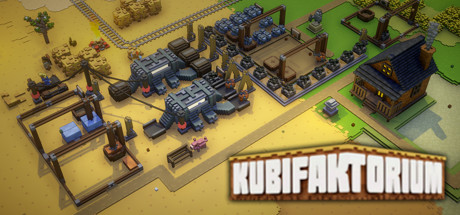
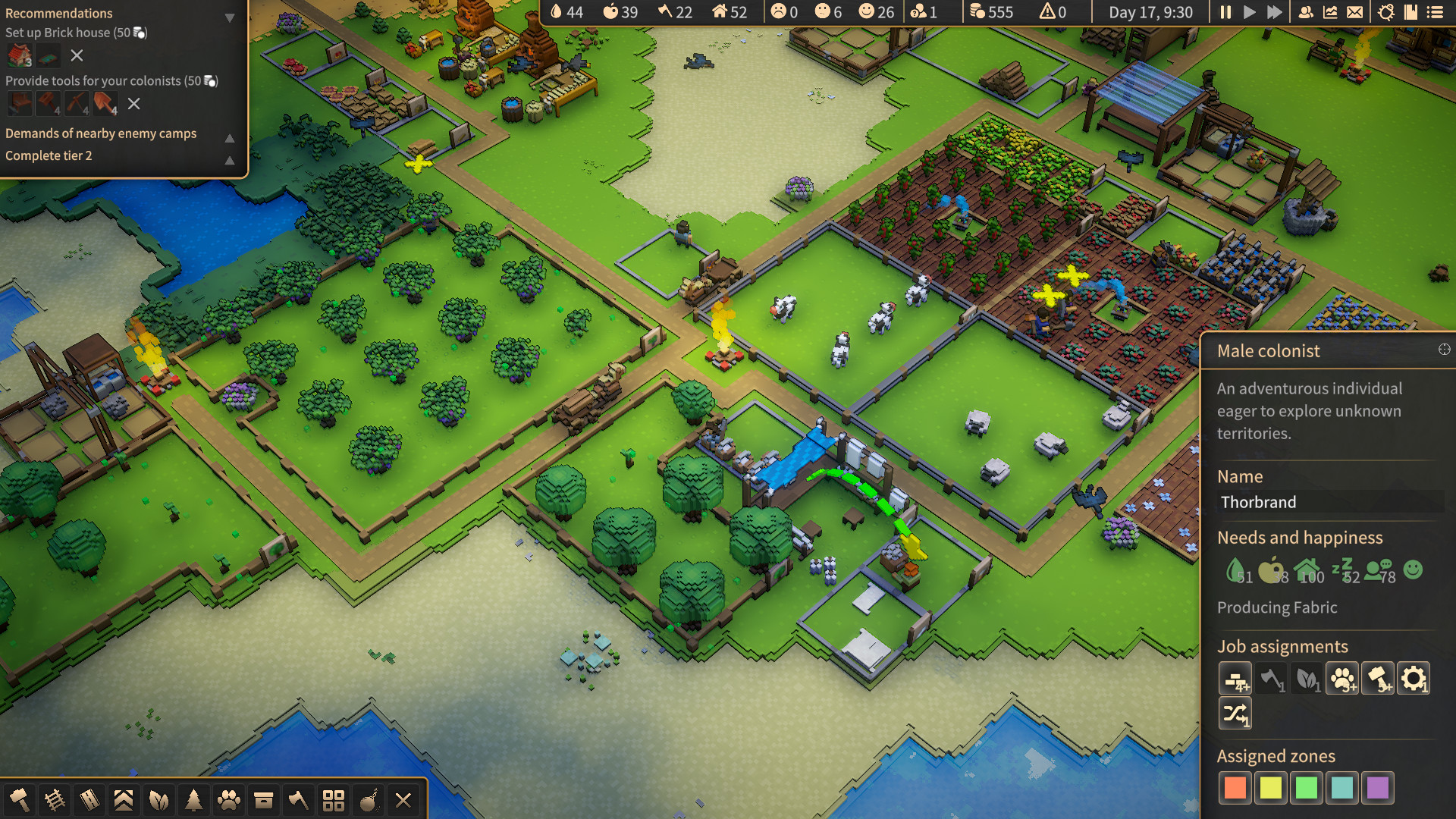
Kubifaktorium is an indie role-playing game developed and published by by Neomateria Games GmbH launched in 2021. Build, manage and grow a thriving colony in Kubifaktorium. The game features different biomes to explore, plenty of resources to exploit, complex machinery to build and interesting production chains to master.

Laptop Requirements for Kubifaktorium

The system requirements are quite demanding, and a gaming laptop with a modern graphics processing unit is needed for successfully playing Kubifaktorium. GeForce MX570 or better mobile GPU is necessary.

Any modern laptop covers the RAM requirement of 4gb.

Windows System Requirements

Minimum:
  • Operating System: Windows 7 or higher
  • Processor: Intel Core i5-7600K, AMD Ryzen 5 1400 or higher
  • Memory (RAM): 4 GB RAM
  • Graphics Processing Unit: GeForce GTX 580, Radeon HD 8970M or higher
  • Storage space: 300 MB available space

Recommended Windows Laptops for Kubifaktorium

These laptops meet the system requirements stated by the developer. Macbooks with M1 or M2 CPU may require Rosetta 2 to run the game.

16″
Lenovo Yoga 7i 2-in-1 16″
83JT
2026 modelTrusted brand16 GB RAMThin2-in-1 laptopTouchscreen
$1,069.00
16″
Lenovo Yoga 7i 2-in-1 16″
83JT
2026 modelTrusted brand16 GB RAMThin2-in-1 laptopTouchscreen
$1,369.00
16″
Lenovo Yoga 7i 2-in-1 16″
83JT
2026 modelTrusted brand16 GB RAMThin2-in-1 laptopTouchscreen
$1,169.00
13″
ASUS ROG Flow Z13
ASUS ROG Flow Z13
Runs 80% of new games on recommended 8060S GPU2026 model64 GB RAMThin2-in-1 laptop
$2,689.95
16″
Acer Nitro V 16″
Acer Nitro V 16″
Runs 50% of new games on recommended RTX 5050 GPU2026 model32 GB RAMIPS screen
$1,789.99
16″
Acer Nitro V 16″
Acer Nitro V 16″
Runs 70% of new games on recommended RTX 5060 GPU2026 model32 GB RAMIPS screen
$2,079.95
16″
Acer Nitro V 16″
Acer Nitro V 16″
Runs 70% of new games on recommended RTX 5060 GPU2026 model32 GB RAMIPS screen
$1,939.95
16″
HP OmniBook 7 Flip 2-in-1 16″
AK4J7AV1
2025 modelTrusted brand32 GB RAM2-in-1 laptopTouchscreenIPS screen
$1,209.99
16″
Dell 16 Plus
Dell 16 Plus
16
2026 modelTrusted brand16 GB RAMThin2-in-1 laptopTouchscreen
$1,059.99
16″
HP OmniBook 7 Flip 16″
OmniBook
2025 modelTrusted brand32 GB RAMThin2-in-1 laptopTouchscreen
$1,399.99
16″
ASUS TUF F16
ASUS TUF F16
F16Fi7
Runs 70% of new games on recommended RTX 5060 GPU2026 model16 GB RAMi7 CPUIPS screen
$1,599.99
15″
MSI Cyborg 15
MSI Cyborg 15
B2295
Runs 70% of new games on recommended RTX 5060 GPU16 GB RAM
$1,199.00
Filter with Laptop Finder

Mac System Requirements

Minimum:
  • Operating System: MacOS 10.14 or higher
  • Processor: Intel Core i5 or higher
  • Memory (RAM): 4 GB RAM
  • Graphics Processing Unit: AMD Radeon Pro or other dedicated GPU
  • Storage space: 300 MB available space

Recommended Macbooks for Kubifaktorium

These laptops meet the system requirements stated by the developer. Macbooks with M1 or M2 CPU may require Rosetta 2 to run the game.

13″
Apple MacBook Air 13″
MDH94LL/A
Popular2026 modelTrusted brand24 GB RAMThinLightweight
$1,799.00
$1,699.00
13″
Apple MacBook Air 13″
Popular2026 modelTrusted brand16 GB RAMHigh resolution
$1,514.00
$1,449.00
13″
Apple MacBook Air 13″
2026 modelTrusted brand24 GB RAMHigh resolution
$2,014.00
$1,814.00
Filter with Laptop Finder
Kubifaktorium technical specifications for laptopDeveloper's websiteKubifaktorium on Steam
Updated on October 18, 2026.
These recommendations are based on technical details and requirements. We can't guarantee that the game will run on every laptop.