Find the best laptops for Let's Build a Zoo

Best Laptops for Let's Build a Zoo

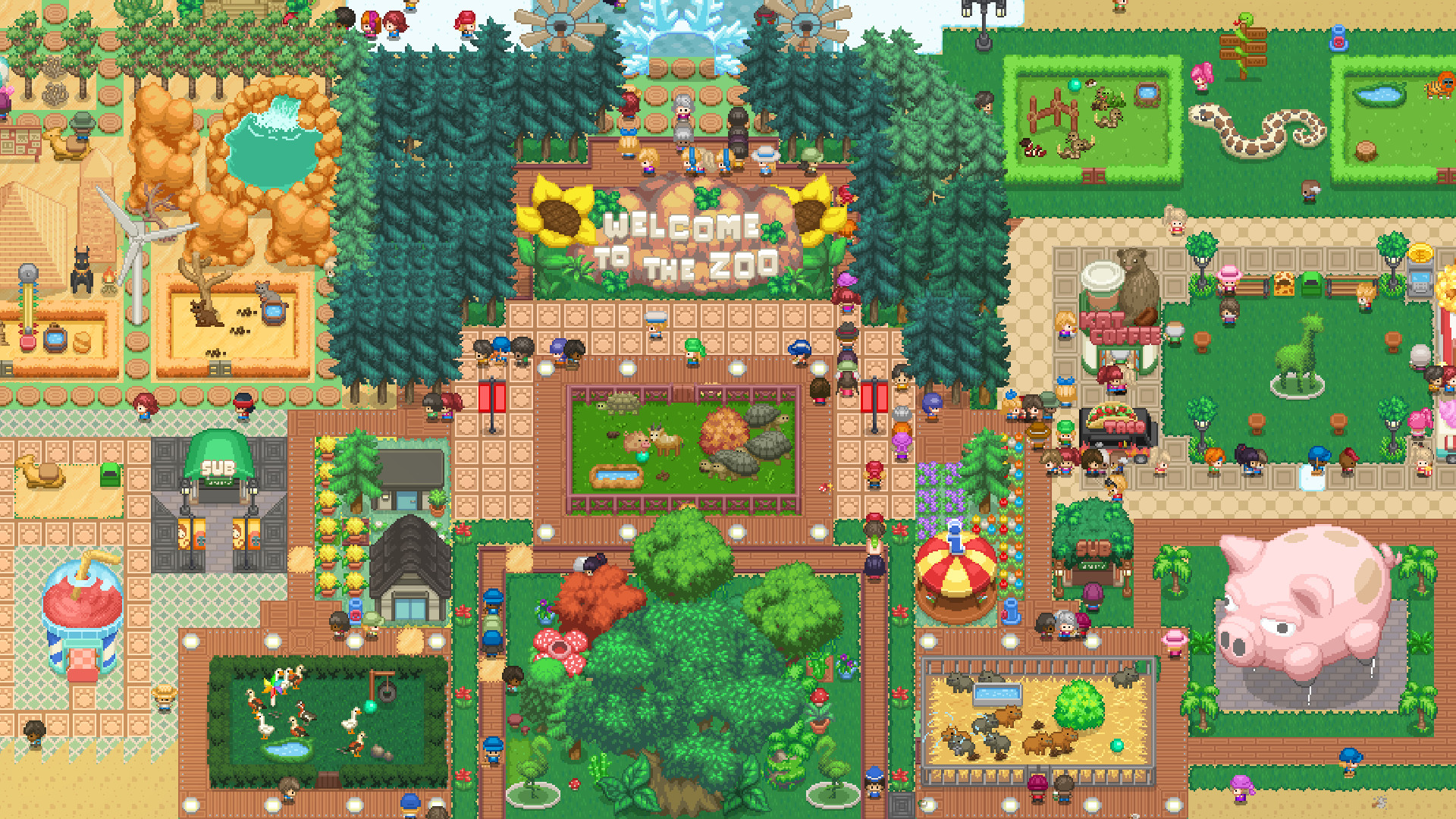
Let's Build a Zoo is a strategy game developed by Springloaded and released by by No More Robots released in 2021. It's time to Build a Zoo. Construct and decorate enclosures, buy and breed animals, hire zookeepers and vets.. then try your hand at DNA splicing, and stitch together over 300,000 different types of animal. This can only go smoothly...

Laptop Requirements for Let's Build a Zoo

The system requirements are lightweight; almost any new laptop will work for playing Let's Build a Zoo.

Any modern laptop meets the RAM requirement of 4gb, though 2gb is enough to hit the baseline.

Windows System Requirements

Minimum:
  • Operating System: Windows 7 or later
  • Processor: Intel Core i5
  • Memory (RAM): 2 GB RAM
  • Graphics Processing Unit: NVIDIA GeForce GTX 550/equivalent or higher
  • Storage space: 738 MB available space
Recommended:
  • Operating System: Windows 10
  • Processor: High-range Intel Core i5
  • Memory (RAM): 4 GB RAM
  • Graphics Processing Unit: NVIDIA GeForce GTX 760/equivalent or higher
  • Storage space: 3 GB available space

Best Windows Laptops for Let's Build a Zoo

These laptops meet the recommended system requirements and let you enjoy the game on high graphics settings without lag and stutter.

16″
Lenovo Yoga 7i 2-in-1 16″
83JT
2026 modelTrusted brand16 GB RAMThin2-in-1 laptopTouchscreen
$1,069.00
16″
Lenovo Yoga 7i 2-in-1 16″
83JT
2026 modelTrusted brand16 GB RAMThin2-in-1 laptopTouchscreen
$1,369.00
16″
Lenovo Yoga 7i 2-in-1 16″
83JT
2026 modelTrusted brand16 GB RAMThin2-in-1 laptopTouchscreen
$1,169.00
13″
ASUS ROG Flow Z13
ASUS ROG Flow Z13
Runs 80% of new games on recommended 8060S GPU2026 model64 GB RAMThin2-in-1 laptop
$2,689.95
16″
Acer Nitro V 16″
Acer Nitro V 16″
Runs 50% of new games on recommended RTX 5050 GPU2026 model32 GB RAMIPS screen
$1,789.99
16″
Acer Nitro V 16″
Acer Nitro V 16″
Runs 70% of new games on recommended RTX 5060 GPU2026 model32 GB RAMIPS screen
$2,079.95
16″
Acer Nitro V 16″
Acer Nitro V 16″
Runs 70% of new games on recommended RTX 5060 GPU2026 model32 GB RAMIPS screen
$1,939.95
16″
HP OmniBook 7 Flip 2-in-1 16″
AK4J7AV1
2025 modelTrusted brand32 GB RAM2-in-1 laptopTouchscreenIPS screen
$1,209.99
16″
Dell 16 Plus
Dell 16 Plus
16
2026 modelTrusted brand16 GB RAMThin2-in-1 laptopTouchscreen
$1,059.99
16″
HP OmniBook 7 Flip 16″
OmniBook
2025 modelTrusted brand32 GB RAMThin2-in-1 laptopTouchscreen
$1,399.99
16″
ASUS TUF F16
ASUS TUF F16
F16Fi7
Runs 70% of new games on recommended RTX 5060 GPU2026 model16 GB RAMi7 CPUIPS screen
$1,599.99
15″
MSI Cyborg 15
MSI Cyborg 15
B2295
Runs 70% of new games on recommended RTX 5060 GPU16 GB RAM
$1,199.00
Filter with Laptop Finder

Budget Windows Laptops for Let's Build a Zoo

These cheaper options meet the minimum system requirements stated by the developer. You may need to lower the graphics settings or the in-game resolution to run the game smoothly.

16″
Lenovo Yoga 7i 2-in-1 16″
83DL
Popular2025 modelTrusted brand16 GB RAMThin2-in-1 laptop
$1,065.00
$1,003.68
16″
Lenovo Yoga 7i 2-in-1 16″
83DL
2025 modelTrusted brand16 GB RAMThin2-in-1 laptopTouchscreen
$899.98
16″
HP OmniBook 3 16″
HP OmniBook 3 16″
D5AU3UAABA
Popular2026 modelTrusted brand16 GB RAMThinTouchscreen
$901.49
15″
Lenovo 16IRH10 15″
Lenovo 16IRH10 15″
2026 modelTrusted brand8 GB RAMThinSD card readerBudget choice
$429.99
15″
Dell LDC15250-3883BLK-PUS
Y3VGT
PopularTrusted brand8 GB RAMThinIPS screenBudget choice
$469.97
15″
Dell Inspiron 15″
Dell Inspiron 15″
2026 modelTrusted brand16 GB RAMTouchscreeni7 CPUSD card reader
$787.90
$742.00
Filter with Laptop Finder
These recommendations are based on technical details and requirements. We can't guarantee that the game will run on every laptop.