Find the best laptops for Rock of Ages 3: Make & Break

Best Laptops for Rock of Ages 3: Make & Break

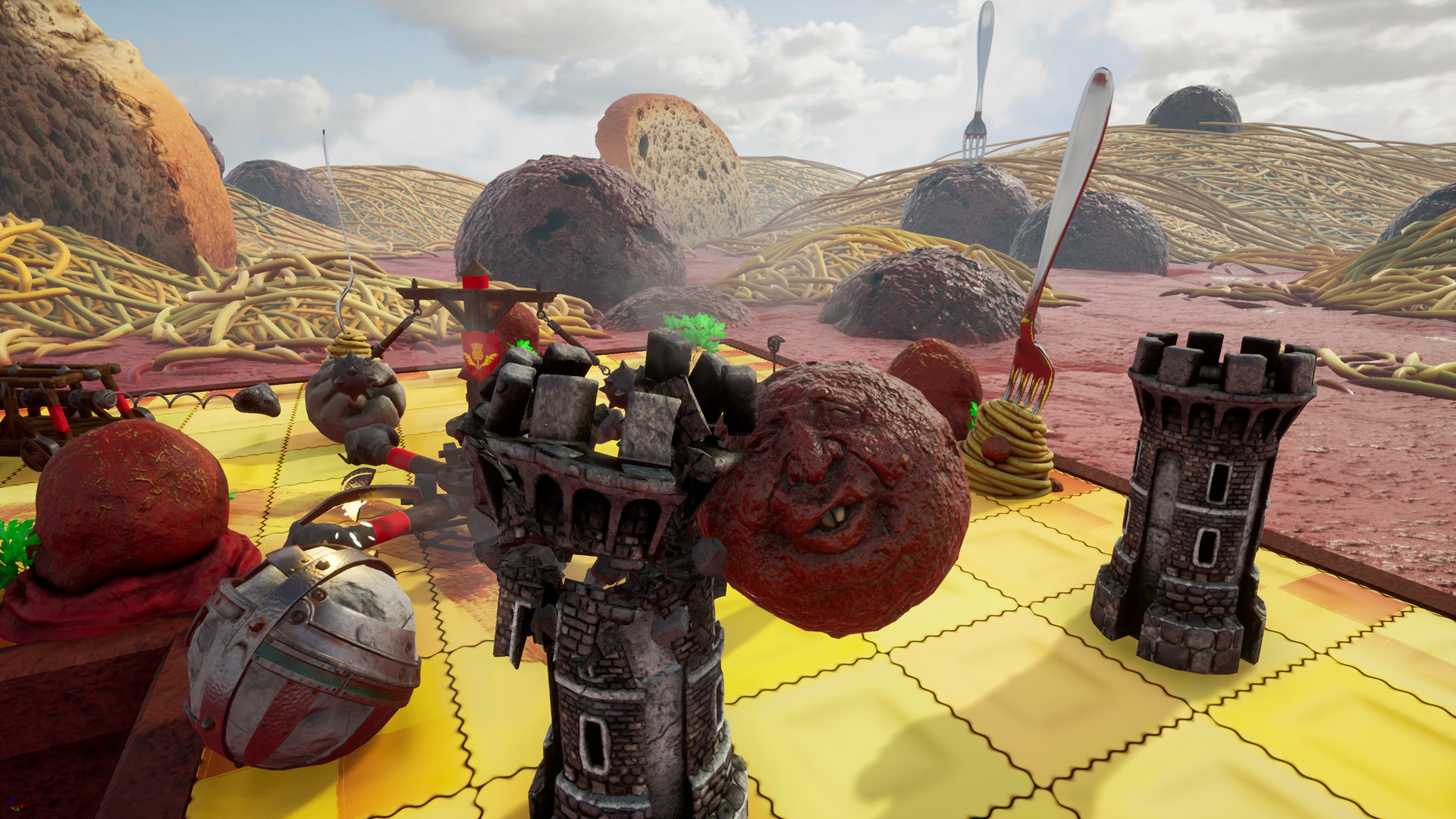
Rock of Ages 3: Make & Break is an indie racing game released by by Maximum Entertainment and 3goo released in 2020. Competitive tower defense meets arcade action and gets rolled up with ACE Team's quirky, Monty Python-esque humor into one giant, creative game for the ages. This time around, you can even make your own levels!

Laptop Requirements for Rock of Ages 3: Make & Break

The system requirements are lightweight; nearly every new laptop will work for playing Rock of Ages 3: Make & Break.

8gb RAM requirement is easily met.

Windows System Requirements

Minimum:
  • Operating System: Windows 7/8.1/10 (64-bit Required)
  • Processor: Intel Core i5-760 2.8 GHz / AMD Athlon X4 740 3.2 GHz
  • Memory (RAM): 8 GB RAM
  • Storage space: 5 GB available space
Recommended:
  • Operating System: Windows 7/8.1/10 (64-bit Required)
  • Processor: Intel Core i7-4771 3.5 GHz / AMD FX-9370 4.4 GHz
  • Memory (RAM): 8 GB RAM
  • Graphics Processing Unit: NVIDIA GeForce GTX 970 (4 GB VRAM) / AMD Radeon RX 470 (4 GB VRAM)
  • Storage space: 5 GB available space

Best Windows Laptops for Rock of Ages 3: Make & Break

These laptops meet the recommended system requirements and let you enjoy the game on high graphics settings without lag and stutter.


13″
ASUS ROG Flow Z13
ASUS ROG Flow Z13
Runs 80% of new games on recommended 8060S GPU2026 model64 GB RAMThin2-in-1 laptop
$2,689.95
16″
Acer Nitro V 16″
Acer Nitro V 16″
Runs 70% of new games on recommended RTX 5060 GPU2026 model32 GB RAMIPS screen
$2,079.95
16″
Acer Nitro V 16″
Acer Nitro V 16″
Runs 70% of new games on recommended RTX 5060 GPU2026 model32 GB RAMIPS screen
$1,939.95
16″
Acer Nitro V 16″
Acer Nitro V 16″
Runs 50% of new games on recommended RTX 5050 GPU2026 model32 GB RAMIPS screen
$1,789.99
16″
ASUS TUF F16
ASUS TUF F16
F16Fi7
Runs 70% of new games on recommended RTX 5060 GPU2026 model16 GB RAMi7 CPUIPS screen
$1,599.99
15″
MSI Cyborg 15
MSI Cyborg 15
B2295
Runs 70% of new games on recommended RTX 5060 GPU16 GB RAM
$1,199.00
17″
MSI Cyborg 17
MSI Cyborg 17
B2074
Runs 70% of new games on recommended RTX 5060 GPU2025 model16 GB RAM
$1,556.00
16″
ASUS ROG Strix G16
ASUS ROG Strix G16
Runs 70% of new games on recommended RTX 5060 GPU2026 model16 GB RAMi7 CPU
$1,714.98
15″
Lenovo LOQ 15″
Lenovo LOQ 15″
Runs 60% of new games on recommended RTX 4050 GPU2025 model32 GB RAMAMD CPUIPS screen
$1,399.99
16″
Gigabyte GAMING A16 CWHI3US864SH
GAMING A16 CWHI3US864SH
Runs 80% of new games on recommended RTX 5070 GPU2025 model32 GB RAMi7 CPU
$1,629.00
Gigabyte GAMING A16 CWHI3US894SH
GAMING A16 CWHI3US894SH
Runs 80% of new games on recommended RTX 5070 GPU2025 model16 GB RAMi7 CPU
$1,449.00
15″
MSI Katana 15 HX
MSI Katana 15 HX
KAT15HXB14810
Runs 70% of new games on recommended RTX 5060 GPU2025 model16 GB RAMi7 CPUHigh resolution
$1,567.99
Filter with Laptop Finder

Budget Windows Laptops for Rock of Ages 3: Make & Break

These cheaper options meet the minimum system requirements stated by the developer. You may need to lower the graphics settings or the in-game resolution to run the game smoothly.

16″
Lenovo Yoga 7i 2-in-1 16″
83DL
Popular2025 modelTrusted brand16 GB RAMThin2-in-1 laptop
$1,065.00
$1,003.68
14″
Lenovo Yoga 7i 2-in-1 14″
2026 modelTrusted brand16 GB RAMThin2-in-1 laptopHigh resolution
$1,119.00
16″
Lenovo Yoga 7i 2-in-1 16″
83TE
2026 modelTrusted brand16 GB RAMThin2-in-1 laptopTouchscreen
$1,139.00
16″
HP OmniBook 3 16″
HP OmniBook 3 16″
D5AU3UAABA
Popular2026 modelTrusted brand16 GB RAMThinTouchscreen
$901.49
15″
Dell LDC15250-3883BLK-PUS
Y3VGT
PopularTrusted brand8 GB RAMThinIPS screenBudget choice
$469.97
15″
Dell Inspiron 15″
Dell Inspiron 15″
2026 modelTrusted brand16 GB RAMTouchscreeni7 CPUSD card reader
$787.90
$742.00
Filter with Laptop Finder
These recommendations are based on technical details and requirements. We can't guarantee that the game will run on every laptop.