Find the best laptops for Subterrain: Mines of Titan

Best Laptops for Subterrain: Mines of Titan

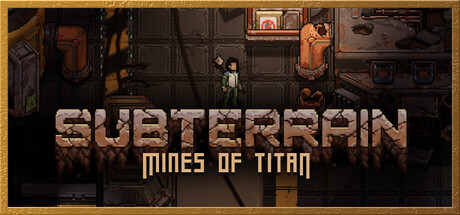
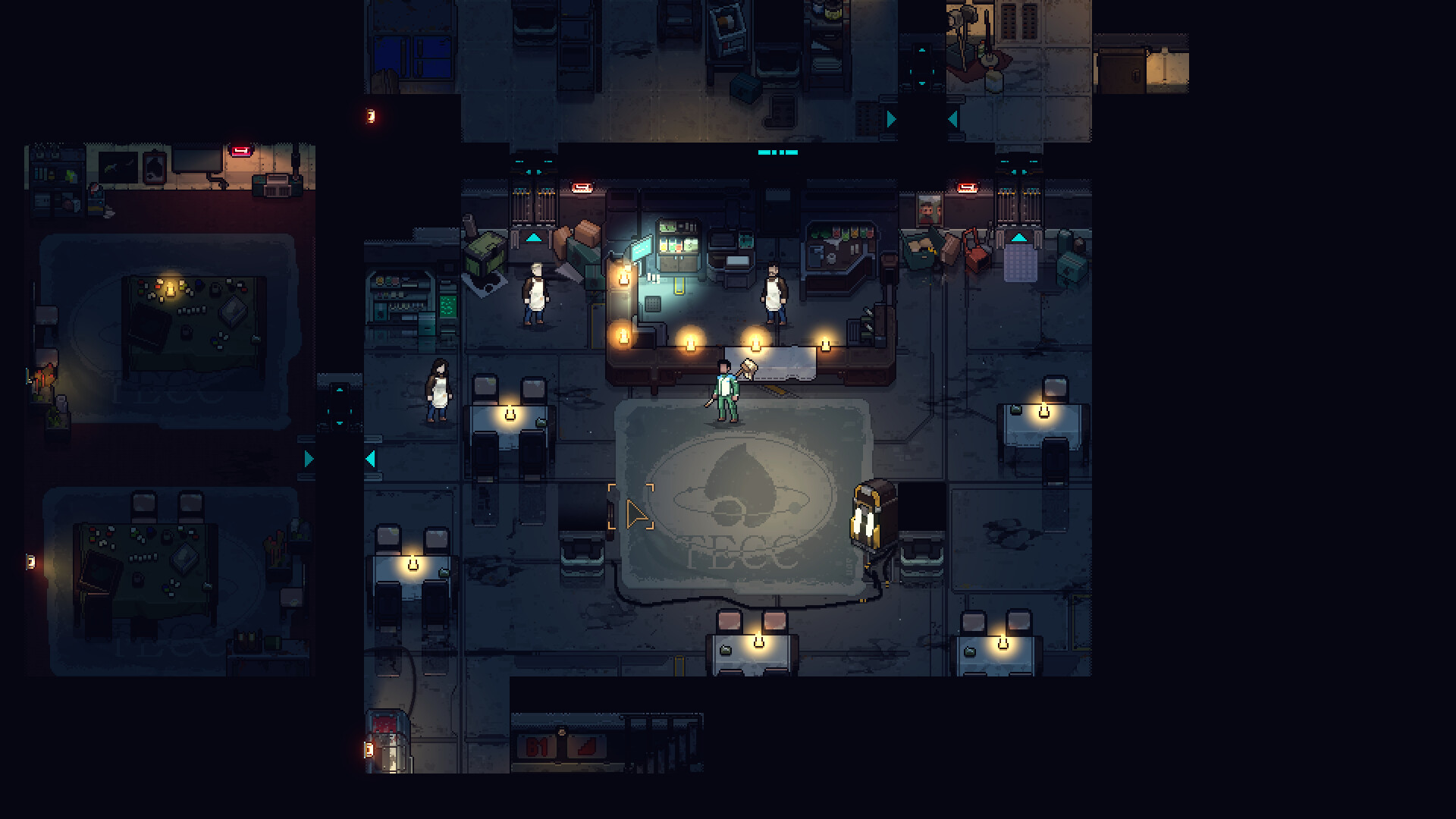
Subterrain: Mines of Titan is an indie game developed by Pixellore Inc and published by by indie.io launched in 2024. Awaken from an abandoned stasis pod and discover a doomed mining camp on Titan in an uncompromising turn-based survival RPG. Survive the evolving horrors that lurk below and craft equipment, research new gear, fight against overwhelming odds, or even discover your true fate.

Laptop Requirements for Subterrain: Mines of Titan

The system requirements are ordinary; almost every modern laptop with a dedicated graphics processing unit is enough for successfully playing Subterrain: Mines of Titan. GeForce MX550 or better mobile GPU is needed.

8gb RAM requirement is easily covered.

Windows System Requirements

Minimum:
  • Operating System: Windows 10
  • Processor: 3.0 Ghz with quad core processor or better
  • Memory (RAM): 8 GB RAM
  • Graphics Processing Unit: 2 GB DirectX 10 compatible video card
  • Storage space: 500 MB available space
Recommended:
  • Operating System: Windows 10
  • Processor: 3.0 Ghz with quad core processor or better
  • Memory (RAM): 8 GB RAM
  • Graphics Processing Unit: 2 GB DirectX 10 compatible video card
  • Storage space: 500 MB available space

Best Windows Laptops for Subterrain: Mines of Titan

These laptops meet the recommended system requirements and let you enjoy the game on high graphics settings without lag and stutter.

16″
Lenovo Yoga 7i 2-in-1 16″
83JT
2026 modelTrusted brand16 GB RAMThin2-in-1 laptopTouchscreen
$1,069.00
16″
Lenovo Yoga 7i 2-in-1 16″
83JT
2026 modelTrusted brand16 GB RAMThin2-in-1 laptopTouchscreen
$1,369.00
16″
Lenovo Yoga 7i 2-in-1 16″
83JT
2026 modelTrusted brand16 GB RAMThin2-in-1 laptopTouchscreen
$1,169.00
ACEMAGIC Mini
ACEMAGIC Mini
M5
Popular2026 model16 GB RAMLightweightAMD CPUHigh resolution
$679.99
$611.99
13″
ASUS ROG Flow Z13
ASUS ROG Flow Z13
Runs 80% of new games on recommended 8060S GPU2026 model64 GB RAMThin2-in-1 laptop
$2,689.95
16″
Acer Nitro V 16″
Acer Nitro V 16″
Runs 50% of new games on recommended RTX 5050 GPU2026 model32 GB RAMIPS screen
$1,789.99
16″
Acer Nitro V 16″
Acer Nitro V 16″
Runs 80% of new games on recommended RTX 5060 GPU2026 model32 GB RAMIPS screen
$2,059.95
16″
Acer Nitro V 16″
Acer Nitro V 16″
Runs 80% of new games on recommended RTX 5060 GPU2026 model32 GB RAMIPS screen
$1,919.95
14″
HP OmniBook 14″
HP OmniBook 14″
14-fm
2026 modelTrusted brand16 GB RAMThin2-in-1 laptopTouchscreen
$911.98
14″
HP OmniBook 14″
HP OmniBook 14″
14-fm
2026 modelTrusted brand16 GB RAMThin2-in-1 laptopTouchscreen
$929.99
16″
HP OmniBook 7 Flip 16″
OmniBook
2025 modelTrusted brand32 GB RAMThin2-in-1 laptopTouchscreen
$1,399.99
16″
ASUS ROG Strix G16
ASUS ROG Strix G16
Runs 80% of new games on recommended RTX 5060 GPU2026 model16 GB RAMi7 CPU
$1,729.62
Filter with Laptop Finder

Budget Windows Laptops for Subterrain: Mines of Titan

These cheaper options meet the minimum system requirements stated by the developer. You may need to lower the graphics settings or the in-game resolution to run the game smoothly.

15″
NIMO N159
NIMO N159
ARN21S
2026 model8 GB RAMThinAMD CPUSD card reader
$829.99
$599.99
15″
NIMO N159
NIMO N159
ARN21S
2026 model8 GB RAMThinAMD CPUIPS screen
$529.99
15″
NIMO N159
NIMO N159
ARN21S
2026 model8 GB RAMThinAMD CPUIPS screen
$529.99
15″
Dell G3 Gaming 15″
Dell G3 Gaming 15″
I3590-5988BLK-PUS
Runs 80% of new games on minimum GTX 1660 Ti GPU8 GB RAMi5 CPU
$529.21
15″
Acer AG15-21
Acer AG15-21
NX.JJGA
2026 model8 GB RAMAMD CPUIPS screenBudget choice
$449.00
17″
HP 17-CP20
HP 17-CP20
B4GX
2026 modelTrusted brand8 GB RAMAMD CPUIPS screen
$589.99
Filter with Laptop Finder
Subterrain: Mines of Titan technical specifications for laptopSubterrain: Mines of Titan on Steam
Updated on October 16, 2026.
These recommendations are based on technical details and requirements. We can't guarantee that the game will run on every laptop.