
Best Laptops for Unlucky Mummy
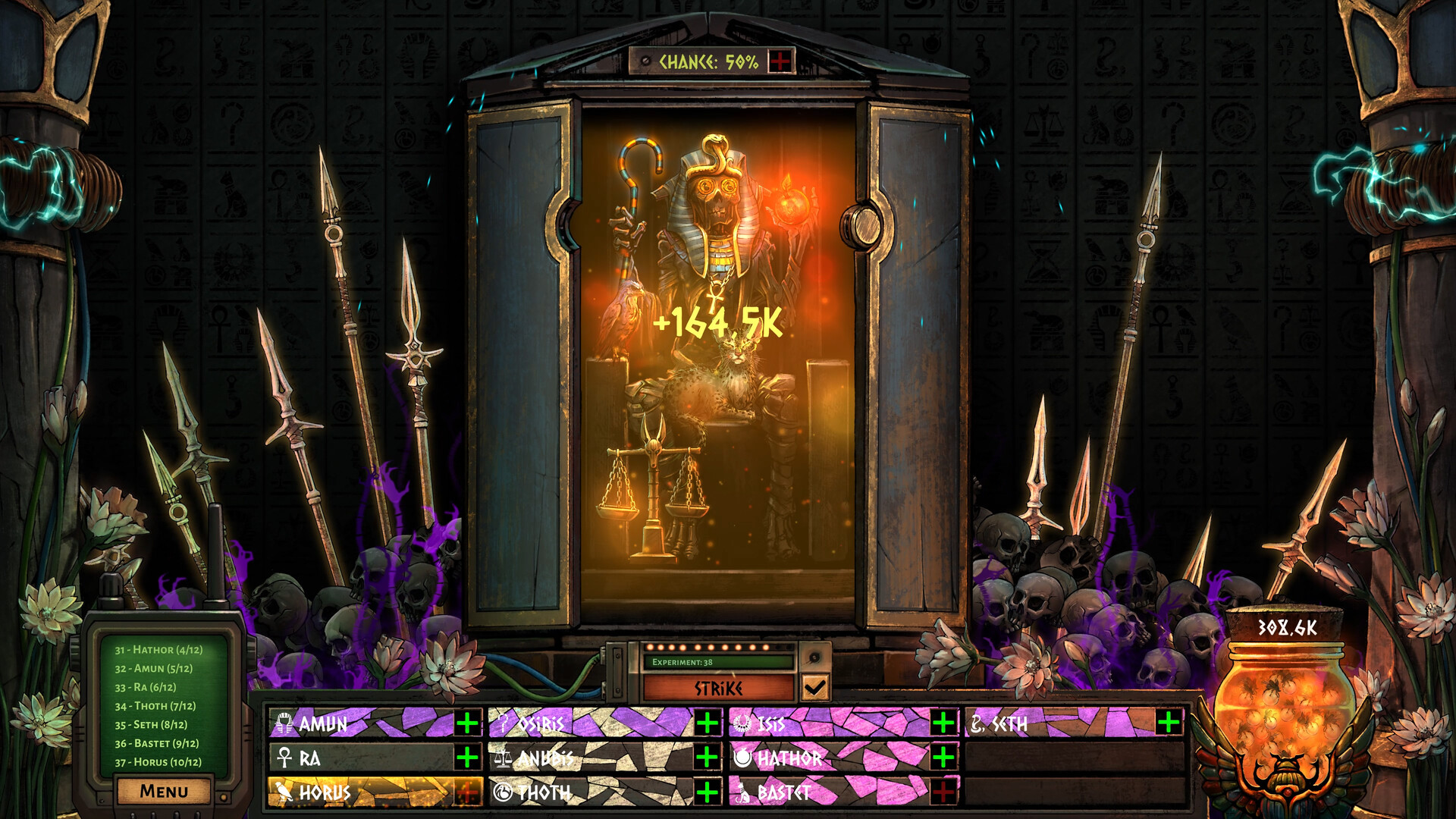
Unlucky Mummy is an incremental clicker where your task is to open a sarcophagus with a curse on it. It was produced and published by by Karaclan released on June 2, 2026. Starting with a tiny chance of success, can you find 12 relics in a row to resurrect the mummy?
Laptop Requirements for Unlucky Mummy
The game is very light to run; every recent laptop can run Unlucky Mummy.
All recent laptop covers the RAM requirement of 2gb.
Windows System Requirements
Minimum:
- Operating System: Windows 10 or more
- Processor: Intel i3 4th generation or equivalent
- Memory (RAM): 2 GB RAM
- Graphics Processing Unit: Most dedicated GPUs should work.
- Storage space: 400 MB available space
Recommended Windows Laptops for Unlucky Mummy
These laptops meet the system requirements stated by the developer. Macbooks with M1 or M2 CPU may require Rosetta 2 to run the game.
13″
Microsoft Surface Pro 13″
EP2-66386
Popular2026 model16 GB RAM2-in-1 laptopTouchscreen
13″
Microsoft Surface Pro 13″
EP2-73301
Popular2026 model16 GB RAM2-in-1 laptopTouchscreen
13″
Microsoft Surface Pro 13″
EP2-65033
2026 model16 GB RAM2-in-1 laptopTouchscreen120hz screenHigh resolution
16″
Lenovo Yoga 7i 2-in-1 16″
83DL
Popular2025 modelTrusted brand16 GB RAMThin2-in-1 laptop
16″
Lenovo Yoga 7i 2-in-1 16″
83DL
Popular2025 modelTrusted brand16 GB RAMThin2-in-1 laptop
16″
Lenovo Yoga 7i 2-in-1 16″
83JT
2026 modelTrusted brand16 GB RAMThin2-in-1 laptopTouchscreen
15″
Dell Inspiron 15″
Popular2026 modelTrusted brand16 GB RAMTouchscreeni7 CPU
15″
Dell Inspiron 15″
Popular2026 modelTrusted brand16 GB RAMTouchscreenAMD CPU
15″
Dell LDC15250-3883BLK-PUS
Y3VGT
Trusted brand8 GB RAMThinIPS screenBudget choice
16″
Acer Nitro V 16″
Runs 80% of new games on recommended RTX 5060 GPU2026 model32 GB RAMIPS screen
16″
Acer Nitro V 16″
Runs 80% of new games on recommended RTX 5060 GPU2026 model32 GB RAMIPS screen
16″
Acer Nitro V 16″
Runs 50% of new games on recommended RTX 5050 GPU2026 model32 GB RAMIPS screen
Mac System Requirements
Minimum:
- Operating System: macOS Ventura or later
- Processor: M1 or Intel equivalent
- Memory (RAM): 4 GB RAM
- Graphics Processing Unit: M1 or Intel equivalent
- Storage space: 400 MB available space
Recommended Macbooks for Unlucky Mummy
These laptops meet the system requirements stated by the developer. Macbooks with M1 or M2 CPU may require Rosetta 2 to run the game.
13″
Apple MacBook Air 13″
MDH94LL/A
Popular2026 modelTrusted brand24 GB RAMThinLightweight
13″
Apple MacBook Air 13″
Popular2026 modelTrusted brand16 GB RAMHigh resolution
13″
Apple MacBook Air 13″
2026 modelTrusted brand24 GB RAMHigh resolution

These recommendations are based on technical details and requirements. We can't guarantee that the game will run on every laptop.
Check Other Games
Updated November 5, 2026