Find the best laptops for while True: learn

Best Laptops for while True: learn

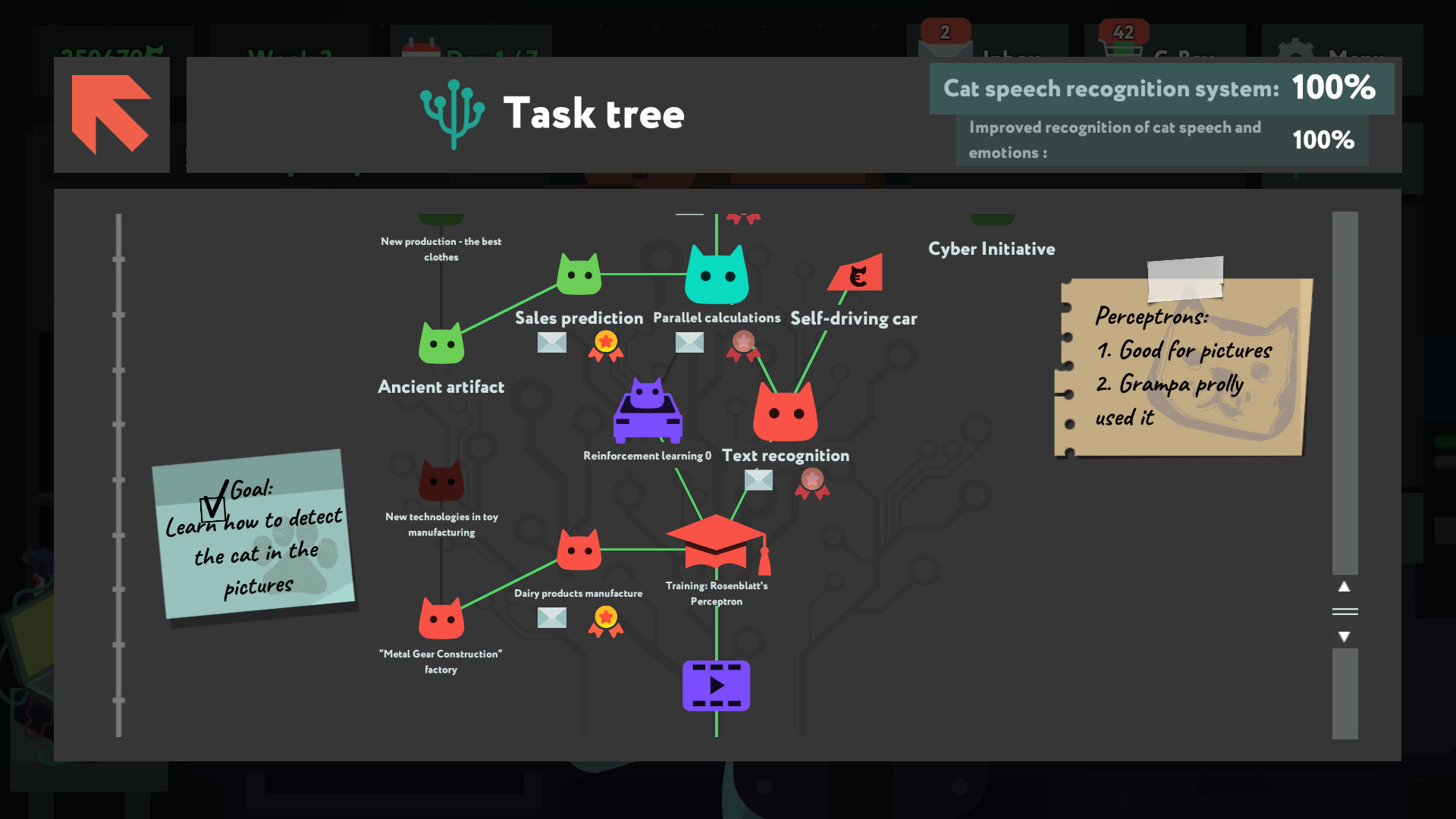
while True: learn is an indie simulation game produced and published by by Luden.io released in 2019. You're a programmer. Your cat is a better one. Solve visual puzzles built from real machine learning ideas, from decision trees to neural networks, to create a cat-to-human translator. Take freelance jobs, upgrade your rig, gamble on startups, dress up the cat. No coding required, curiosity is.

Laptop Requirements for while True: learn

The system requirements are undemanding; nearly every recent laptop will work for running while True: learn.

All recent laptop covers the RAM requirement of 2gb.

Windows System Requirements

Minimum:
  • Operating System: Windows 10 / 11
  • Processor: 2.0 GHz
  • Memory (RAM): 2 GB RAM
  • Graphics Processing Unit: Intel HD Graphics 3000
  • Storage space: 500 MB available space

Recommended Windows Laptops for while True: learn

These laptops meet the system requirements stated by the developer. Macbooks with M1 or M2 CPU may require Rosetta 2 to run the game.


16″
HP OmniBook 3 16″
HP OmniBook 3 16″
D5AU3UAABA
Popular2026 modelTrusted brand16 GB RAMThinTouchscreen
$901.49
13″
Microsoft Surface Pro 2-in-1 /Tablet 13″
ZHY-00042
2025 model16 GB RAMThin2-in-1 laptopTouchscreenLightweight
$1,499.99
$1,199.99
13″
Microsoft Surface Pro 2-in-1 /Tablet 13″
ZIB-00018
2025 model16 GB RAM2-in-1 laptopTouchscreen
$1,699.99
13″
Microsoft Surface Pro 2-in-1 /Tablet 13″
ZID-00001
2025 model32 GB RAMThin2-in-1 laptopTouchscreen
$2,479.00
17″
HP OmniBook 3 17″
HP OmniBook 3 17″
OmniBook
Popular2026 modelTrusted brand16 GB RAMThinTouchscreen
$888.99
ACEMAGIC Mini
ACEMAGIC Mini
M5
2026 model16 GB RAMLightweightAMD CPUHigh resolution
$679.99
$611.99
13″
ASUS ROG Flow Z13
ASUS ROG Flow Z13
Runs 80% of new games on recommended 8060S GPU2026 model64 GB RAMThin2-in-1 laptop
$2,689.95
15″
Dell LDC15250-3883BLK-PUS
Y3VGT
Trusted brand8 GB RAMThinIPS screenBudget choice
$469.97
17″
HP OmniBook 3 17″
HP OmniBook 3 17″
D5SQ3UAABA
2026 modelTrusted brand8 GB RAMThinAMD CPUIPS screen
$516.88
16″
Acer Nitro V 16″
Acer Nitro V 16″
Runs 70% of new games on recommended RTX 5060 GPU2026 model32 GB RAMIPS screen
$2,059.95
16″
Acer Nitro V 16″
Acer Nitro V 16″
Runs 70% of new games on recommended RTX 5060 GPU2026 model32 GB RAMIPS screen
$1,919.95
16″
Acer Nitro V 16″
Acer Nitro V 16″
Runs 50% of new games on recommended RTX 5050 GPU2026 model32 GB RAMIPS screen
$1,789.99
Filter with Laptop Finder

Mac System Requirements

Minimum:
  • Operating System: macOS 10.15+
  • Processor: Apple Silicon or Intel 2.0 GHz
  • Memory (RAM): 2 GB RAM
  • Graphics Processing Unit: Intel HD Graphics 3000
  • Storage space: 500 MB available space

Recommended Macbooks for while True: learn

These laptops meet the system requirements stated by the developer. Macbooks with M1 or M2 CPU may require Rosetta 2 to run the game.

16″
Apple MacBook Pro 16” (2021)
MK193LL/A
Trusted brand16 GB RAMThinHigh resolution
$2,699.00
16″
Apple MacBook Pro 16” (2021)
Trusted brand16 GB RAMThinHigh resolution
$2,499.00
14″
Apple MacBook Pro 14” (2021)
MKGT3LL/A
Trusted brand16 GB RAMThinHigh resolution
$2,499.00
Filter with Laptop Finder
These recommendations are based on technical details and requirements. We can't guarantee that the game will run on every laptop.