Find the best laptops for WolfQuest: Classic

Best Laptops for WolfQuest: Classic

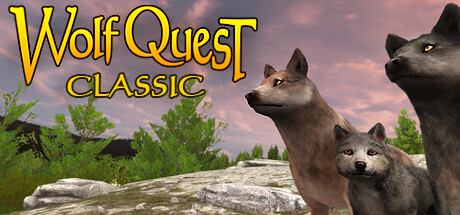
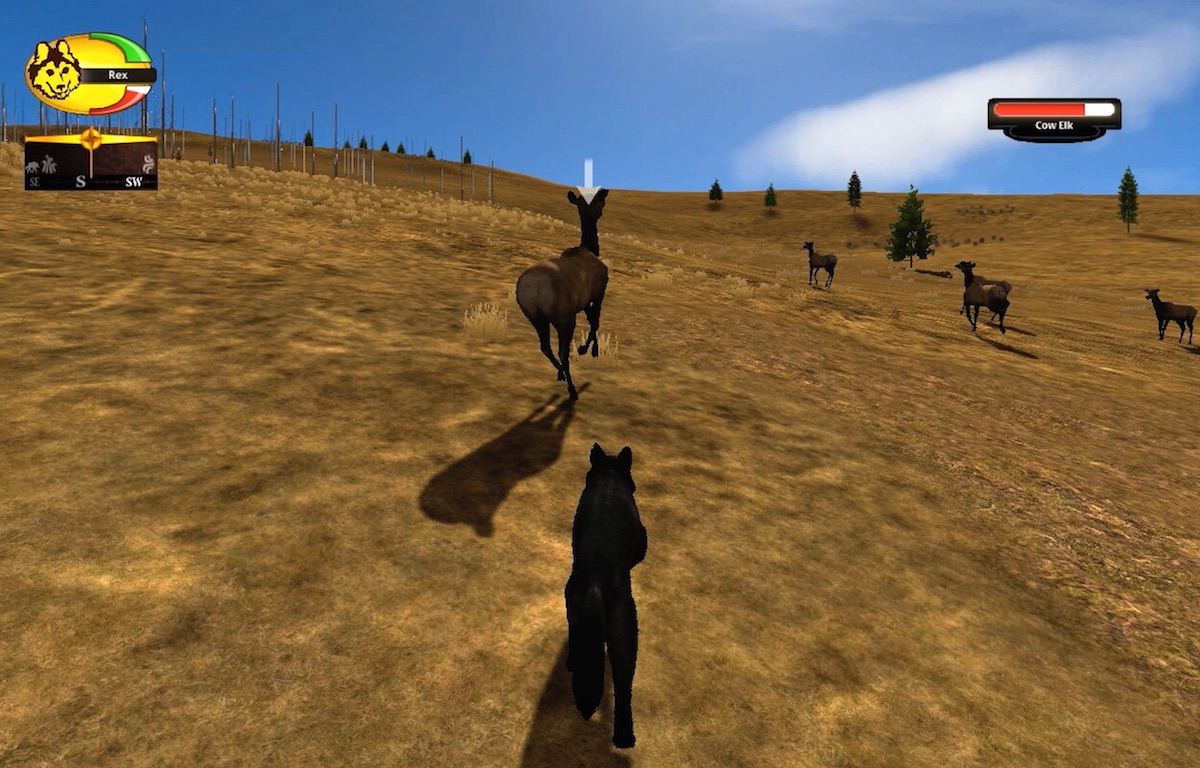
WolfQuest: Classic is an indie role-playing game produced and published by by eduweb released on July 22, 2025. LIVE THE LIFE OF A WILD WOLF. As a two-year-old gray wolf in Yellowstone National Park, hunt elk and moose, find a mate, and then establish a territory and raise your pups.

Laptop Requirements for WolfQuest: Classic

The system requirements are undemanding; nearly every new laptop will work for playing WolfQuest: Classic.

All recent laptop covers the RAM requirement of 4gb.

Windows System Requirements

Minimum:
  • Operating System: Windows Vista
  • Processor: Dual Core Pentium i3
  • Memory (RAM): 4 GB RAM
  • Graphics Processing Unit: Intel 4000, NVIDIA 6800 Ultra, or ATI HD 3670 (These are for WolfQuest 2.7 only, the new game WQ AE has higher graphics requirements)
  • Storage space: 2 GB available space
Recommended:
  • Operating System: Windows 7
  • Processor: Dual Core Pentium i3
  • Memory (RAM): 4 GB RAM
  • Graphics Processing Unit: NVIDIA GeForce 640 series or AMD Radeon HD 6670 (These are for WolfQuest 2.7 only, the new game WQ AE has higher graphics requirements)
  • Storage space: 4 GB available space

Best Windows Laptops for WolfQuest: Classic

These laptops meet the recommended system requirements and let you enjoy the game on high graphics settings without lag and stutter.
16″
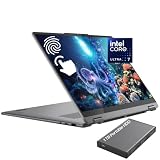
Lenovo Yoga 7i 2-in-1 16″
83JT
2026 modelTrusted brand16 GB RAMThin2-in-1 laptopTouchscreen
$1,099.99
$948.77
16″
Lenovo Yoga 7i 2-in-1 16″
83JT
2026 modelTrusted brand16 GB RAMThin2-in-1 laptopTouchscreen
$1,399.99
$1,120.00
16″
Lenovo Yoga 7i 2-in-1 16″
83JT
2026 modelTrusted brand16 GB RAMThin2-in-1 laptopTouchscreen
$1,199.99
$999.99
16″
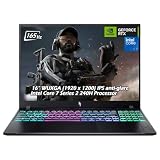
Acer Nitro V 16″
Acer Nitro V 16″
Runs 80% of new games on recommended RTX 5060 GPU2026 model32 GB RAMIPS screen
$2,079.95
16″
Acer Nitro V 16″
Acer Nitro V 16″
Runs 80% of new games on recommended RTX 5060 GPU2026 model32 GB RAMIPS screen
$1,939.95
16″
Acer Nitro V 16″
Acer Nitro V 16″
Runs 50% of new games on recommended RTX 5050 GPU2026 model32 GB RAMIPS screen
$1,749.00
13″
Microsoft Surface Pro 2-in-1 /Tablet 13″
ZIB-00018
2025 model16 GB RAM2-in-1 laptopTouchscreen
$1,599.00
13″
Microsoft Surface Pro 2-in-1 /Tablet 13″
ZIB-00035
2025 model16 GB RAM2-in-1 laptopTouchscreen
$1,699.99
13″
Microsoft Surface Pro 2-in-1 /Tablet 13″
ZIB-00041
2025 model16 GB RAM2-in-1 laptopTouchscreen
$1,713.07
13″
ASUS ROG Flow Z13
ASUS ROG Flow Z13
Runs 80% of new games on recommended 8060S GPU2026 model64 GB RAMThin2-in-1 laptop
$2,689.00
16″
ASUS ROG Strix G16
ASUS ROG Strix G16
G615JMR-AS74
Runs 80% of new games on recommended RTX 5060 GPU2025 model16 GB RAMi7 CPU
$1,623.83
16″
ASUS ROG Strix G16
ASUS ROG Strix G16
Runs 80% of new games on recommended RTX 5060 GPU2026 model16 GB RAMi7 CPU
$1,745.57
Filter with Laptop Finder

Budget Windows Laptops for WolfQuest: Classic

These cheaper options meet the minimum system requirements stated by the developer. You may need to lower the graphics settings or the in-game resolution to run the game smoothly.

16″
Lenovo Yoga 7i 2-in-1 16″
83DL
Popular2025 modelTrusted brand16 GB RAMThin2-in-1 laptop
$899.98
15″
Dell Inspiron 15″
Dell Inspiron 15″
Popular2026 modelTrusted brand16 GB RAMTouchscreeni7 CPU
$718.95
15″
Dell Inspiron 15″
Dell Inspiron 15″
Popular2026 modelTrusted brand16 GB RAMTouchscreenAMD CPU
$766.90
$708.00
15″
Dell LDC15250-3883BLK-PUS
Y3VGT
Trusted brand8 GB RAMThinIPS screenBudget choice
$499.00
17″
HP V17
HP V17
2026 modelTrusted brand16 GB RAMAMD CPU
$639.99
17″
HP TPN-I139 17″
HP TPN-I139 17″
2026 modelTrusted brand16 GB RAMTouchscreenFingerprint Reader
$839.00
Filter with Laptop Finder

Mac System Requirements

Recommended:
  • Operating System: 10.8
  • Processor: i5
  • Memory (RAM): 4 GB RAM
  • Graphics Processing Unit: NVIDIA GeForce 640 series or AMD Radeon HD 6670 (These are for WolfQuest 2.7 only, the new game WQ AE has higher graphics requirements)
  • Storage space: 2 GB available space

Recommended Macbooks for WolfQuest: Classic

These laptops meet the system requirements stated by the developer. Macbooks with M1 or M2 CPU may require Rosetta 2 to run the game.
15″
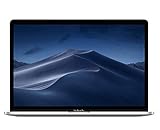
Apple MacBook Pro 15” (2018)
MR962LL/A
Trusted brand16 GB RAMThini7 CPUHigh resolution
$2,399.00
14″
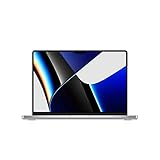
Apple MacBook Pro 14” (2021)
MKGT3LL/A
Trusted brand16 GB RAMThinHigh resolution
$2,499.00
15″
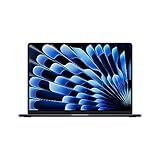
Apple MacBook Air 15″
Z18T0LL/A
Trusted brand16 GB RAMThinHigh resolution
$1,438.30
Filter with Laptop Finder
These recommendations are based on technical details and requirements. We can't guarantee that the game will run on every laptop.