
Best Laptops for Word Play
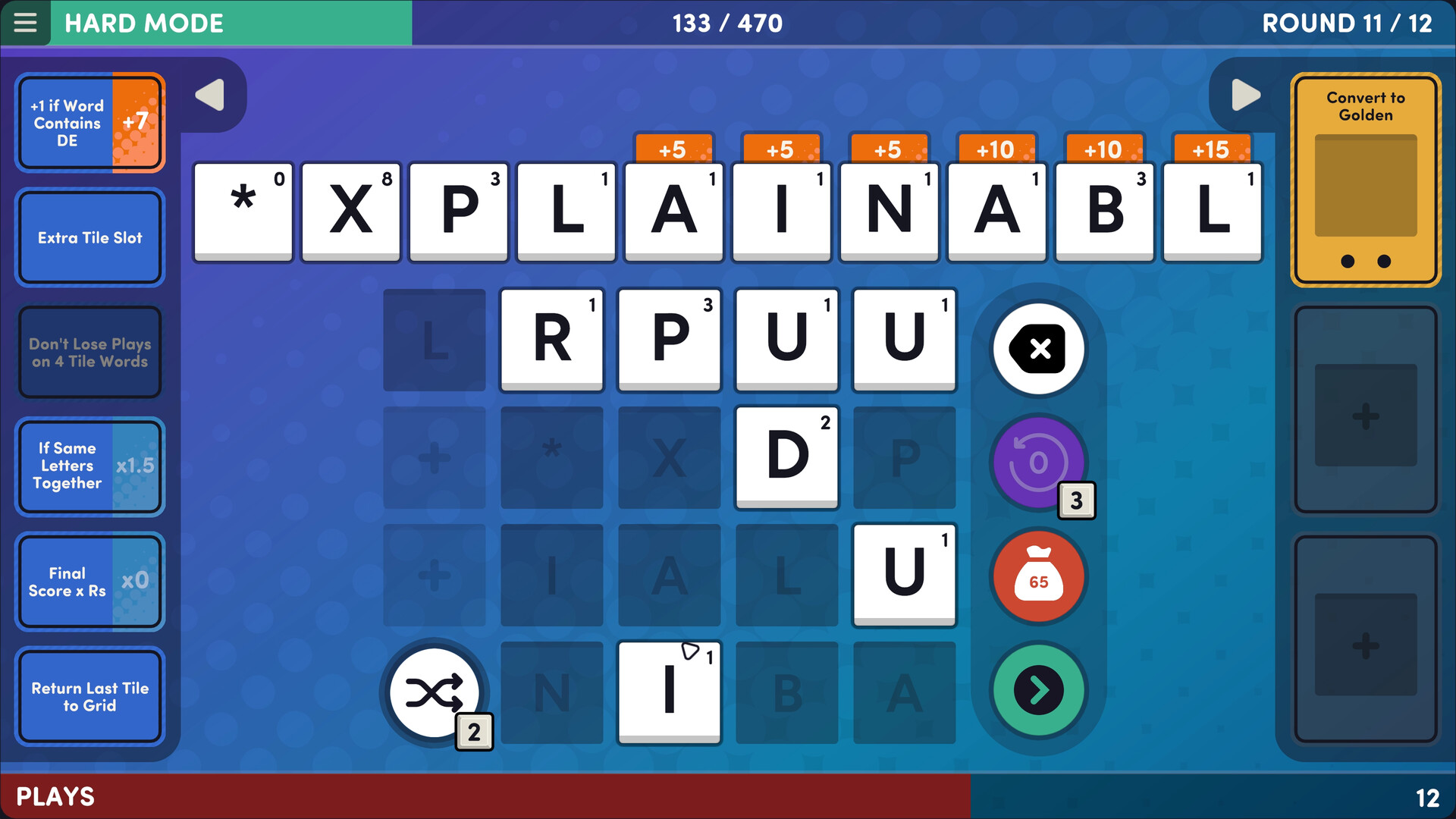
Word Play is a game produced and published by by Game Maker's Toolkit released on July 14, 2025. Spell words, pick perks, score points, and survive until the end. Every round is different. How far can you make it?
Laptop Requirements for Word Play
The system requirements are light, but its preferred to have a dedicated graphics processing unit for successfully playing Word Play. GeForce MX110 or better mobile GPU is needed.
All recent laptop covers the RAM requirement of 4gb.
Windows System Requirements
Minimum:
- Operating System: Windows 7+
- Processor: Intel i5+
- Memory (RAM): 4 GB RAM
- Graphics Processing Unit: Nvidia 450 GTS / Radeon HD 5750
- Storage space: 700 MB available space
Recommended Windows Laptops for Word Play
These laptops meet the system requirements stated by the developer. Macbooks with M1 or M2 CPU may require Rosetta 2 to run the game.
16″
Lenovo Yoga 7i 2-in-1 16″
83JT
2026 modelTrusted brand16 GB RAMThin2-in-1 laptopTouchscreen
16″
Lenovo Yoga 7i 2-in-1 16″
83JT
2026 modelTrusted brand16 GB RAMThin2-in-1 laptopTouchscreen
16″
Lenovo Yoga 7i 2-in-1 16″
83JT
2026 modelTrusted brand16 GB RAMThin2-in-1 laptopTouchscreen
16″
Acer Nitro V 16″
Runs 80% of new games on recommended RTX 5060 GPU2026 model32 GB RAMIPS screen
16″
Acer Nitro V 16″
Runs 80% of new games on recommended RTX 5060 GPU2026 model32 GB RAMIPS screen
16″
Acer Nitro V 16″
Runs 50% of new games on recommended RTX 5050 GPU2026 model32 GB RAMIPS screen
13″
Microsoft Surface Pro 2-in-1 /Tablet 13″
ZIB-00018
2025 model16 GB RAM2-in-1 laptopTouchscreen
13″
Microsoft Surface Pro 2-in-1 /Tablet 13″
ZIB-00035
2025 model16 GB RAM2-in-1 laptopTouchscreen
13″
Microsoft Surface Pro 2-in-1 /Tablet 13″
ZIB-00041
2025 model16 GB RAM2-in-1 laptopTouchscreen
13″
ASUS ROG Flow Z13
Runs 80% of new games on recommended 8060S GPU2026 model64 GB RAMThin2-in-1 laptop
16″
ASUS ROG Strix G16
G615JMR-AS74
Runs 80% of new games on recommended RTX 5060 GPU2025 model16 GB RAMi7 CPU
16″
ASUS ROG Strix G16
Runs 80% of new games on recommended RTX 5060 GPU2026 model16 GB RAMi7 CPU
Mac System Requirements
Minimum:
- Operating System: Catalina
- Processor: Apple M1 or Intel Core M
- Memory (RAM): 4 GB RAM
- Storage space: 700 MB available space
Recommended Macbooks for Word Play
These laptops meet the system requirements stated by the developer. Macbooks with M1 or M2 CPU may require Rosetta 2 to run the game.
13″
Apple MacBook Air 13″
MDH94LL/A
Popular2026 modelTrusted brand24 GB RAMThinLightweight
13″
Apple MacBook Air 13″
Popular2026 modelTrusted brand16 GB RAMHigh resolution
13″
Apple MacBook Air 13″
2026 modelTrusted brand24 GB RAMHigh resolution
These recommendations are based on technical details and requirements. We can't guarantee that the game will run on every laptop.
Check Other Games
Updated November 5, 2026