
Find the best laptops for Zombie Graveyard Simulator

Best Laptops for Zombie Graveyard Simulator

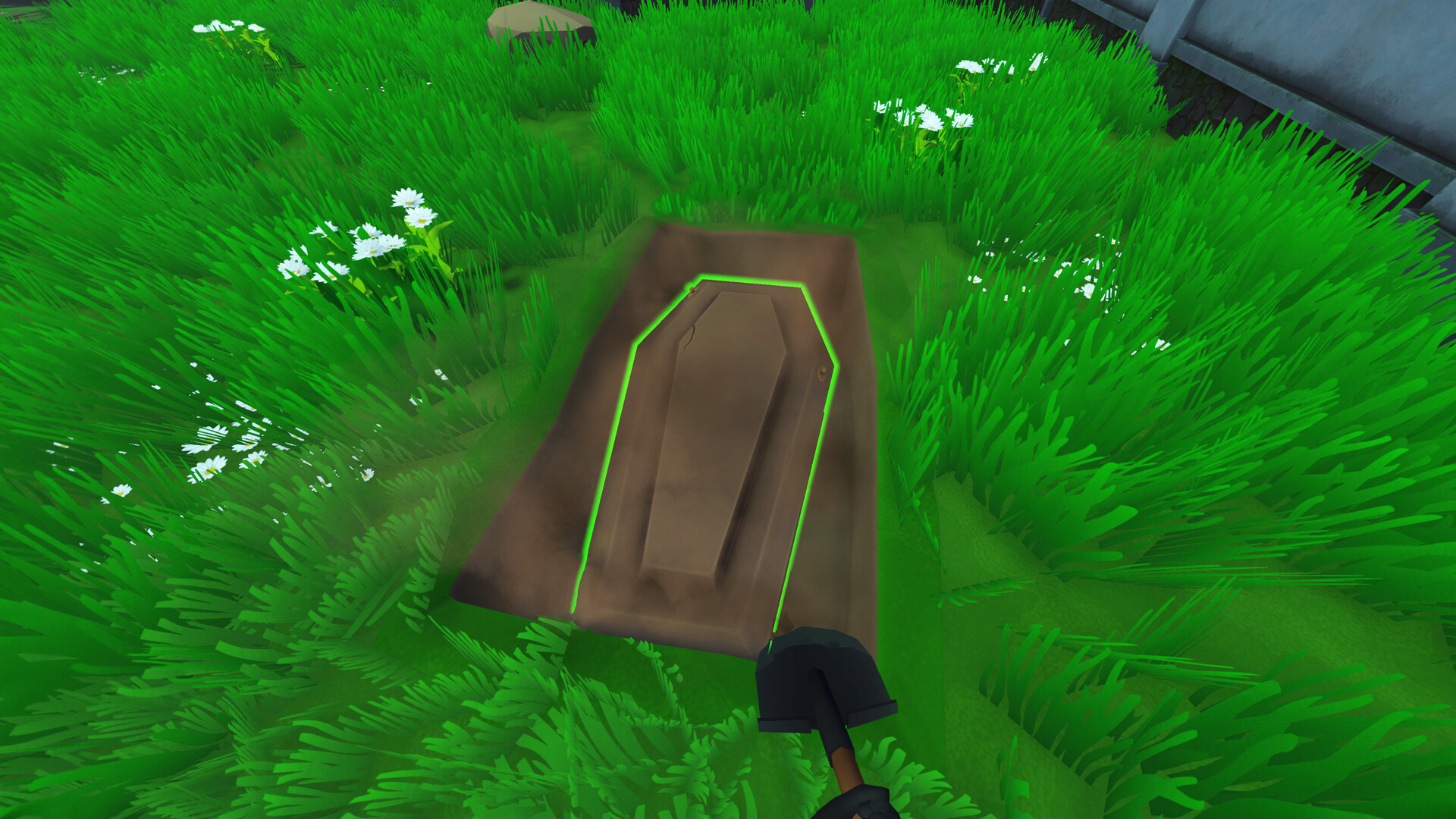
Zombie Graveyard Simulator is an indie action game produced by threeW and released by by PlayWay S.A released on June 5, 2025. Manage your Graveyard by day as you bury and cremate bodies, maintain graves, fulfill visitor requests, grow crops, run a shop and unlock upgrades. When night falls, face relentless zombie hordes as you build defenses to protect your work and fight to survive in Zombie Graveyard Simulator!

Laptop Requirements for Zombie Graveyard Simulator

The system requirements are taxing, and a gaming laptop with a modern graphics processing unit is obligatory for successfully playing Zombie Graveyard Simulator. GeForce RTX 4050 or better mobile GPU is needed.

Most gaming laptops meet the RAM requirement of 16gb, though 8gb is enough to hit the baseline.

Windows System Requirements

Minimum:
  • Operating System: Windows 10 64-bit
  • Processor: Intel Core i3-8100 / AMD Ryzen 3 1300X or better
  • Memory (RAM): 8 GB RAM
  • Graphics Processing Unit: GTX 970 / AMD RX 470 or better
  • Storage space: 5 GB available space
Recommended:
  • Operating System: Windows 11 64-bit
  • Processor: i5-9600K / AMD Ryzen 5 3600 or better
  • Memory (RAM): 16 GB RAM
  • Graphics Processing Unit: RTX 2060 / RX 5600 XT or better
  • Storage space: 5 GB available space

Best Windows Laptops for Zombie Graveyard Simulator

These laptops meet the recommended system requirements and let you enjoy the game on high graphics settings without lag and stutter.

16″
Acer Nitro V 16″
Acer Nitro V 16″
Runs 80% of new games on recommended RTX 5060 GPU2026 model32 GB RAMIPS screen
$2,079.95
16″
Acer Nitro V 16″
Acer Nitro V 16″
Runs 80% of new games on recommended RTX 5060 GPU2026 model32 GB RAMIPS screen
$1,939.95
13″
ASUS ROG Flow Z13
ASUS ROG Flow Z13
Runs 80% of new games on recommended 8060S GPU2026 model64 GB RAMThin2-in-1 laptop
$2,689.00
16″
ASUS ROG Strix G16
ASUS ROG Strix G16
G615JMR-AS74
Runs 80% of new games on recommended RTX 5060 GPU2025 model16 GB RAMi7 CPU
$1,623.83
16″
ASUS ROG Strix G16
ASUS ROG Strix G16
Runs 80% of new games on recommended RTX 5060 GPU2026 model16 GB RAMi7 CPU
$1,745.57
Gigabyte GAMING A16 CWHI3US894SH
GAMING A16 CWHI3US894SH
Runs 80% of new games on recommended RTX 5070 GPU2025 model16 GB RAMi7 CPU
$1,449.00
16″
Gigabyte GAMING A16 PRO DXHG4USCC4SH
GAMING A16 PRO DXHG4USCC4SH
Runs 90% of new games on recommended RTX 5070 Ti GPU2025 model32 GB RAMIPS screenHigh resolution
$2,199.99
$1,899.99
16″
Gigabyte GAMING A16 CWHI3US864SH
GAMING A16 CWHI3US864SH
Runs 80% of new games on recommended RTX 5070 GPU2025 model32 GB RAMi7 CPU
$1,628.00
15″
Lenovo LOQ 15″
Lenovo LOQ 15″
Runs 60% of new games on recommended RTX 4050 GPU2026 model16 GB RAMAMD CPUIPS screen
$1,089.00
16″
Razer Blade 16
Razer Blade 16
RZ09-05819EN4-R3U1
Runs 90% of new games on recommended RTX 5090 GPU2026 model32 GB RAMThinHigh resolution
$4,899.99
16″
Razer Blade 16
Razer Blade 16
RZ09-05819EN9-R3U1
Runs 90% of new games on recommended RTX 5090 GPU2026 model64 GB RAMThinHigh resolution
$5,599.99
15″
Lenovo LOQ 15″
Lenovo LOQ 15″
Runs 60% of new games on recommended RTX 4050 GPU2025 model32 GB RAMAMD CPUIPS screen
$1,399.99
Filter with Laptop Finder

Budget Windows Laptops for Zombie Graveyard Simulator

These cheaper options meet the minimum system requirements stated by the developer. You may need to lower the graphics settings or the in-game resolution to run the game smoothly.

15″
HP Victus 15″
HP Victus 15″
15-FA1093DX
Runs 80% of new games on minimum RTX 3050 GPU2025 model16 GB RAMi5 CPUIPS screen
$887.99
15″
HP Victus 15″
HP Victus 15″
Gaming 15
Runs 80% of new games on minimum RTX 3050 GPU2026 model8 GB RAMi5 CPUIPS screen
$778.49
16″
ASUS TUF 16″
ASUS TUF 16″
FX607VU-ES51
Runs 80% of new games on minimum RTX 4050 GPU2025 model8 GB RAM
$1,059.99
15″
HP Victus 15
HP Victus 15
Runs 80% of new games on minimum RTX 3050 GPU2026 model8 GB RAMAMD CPUIPS screen
$869.00
15″
Acer Nitro V 15″
Acer Nitro V 15″
Intel
Runs 50% of new games on recommended RTX 5050 GPU2025 model16 GB RAMi5 CPUIPS screen
$1,049.00
15″
Lenovo LOQ 15″
Lenovo LOQ 15″
HEIGON
Runs 80% of new games on minimum RTX 4050 GPU2026 model8 GB RAMAMD CPUIPS screen
$1,049.00
Filter with Laptop Finder
Zombie Graveyard Simulator technical specifications for laptopZombie Graveyard Simulator on Steam
Updated on November 4, 2026.
These recommendations are based on technical details and requirements. We can't guarantee that the game will run on every laptop.